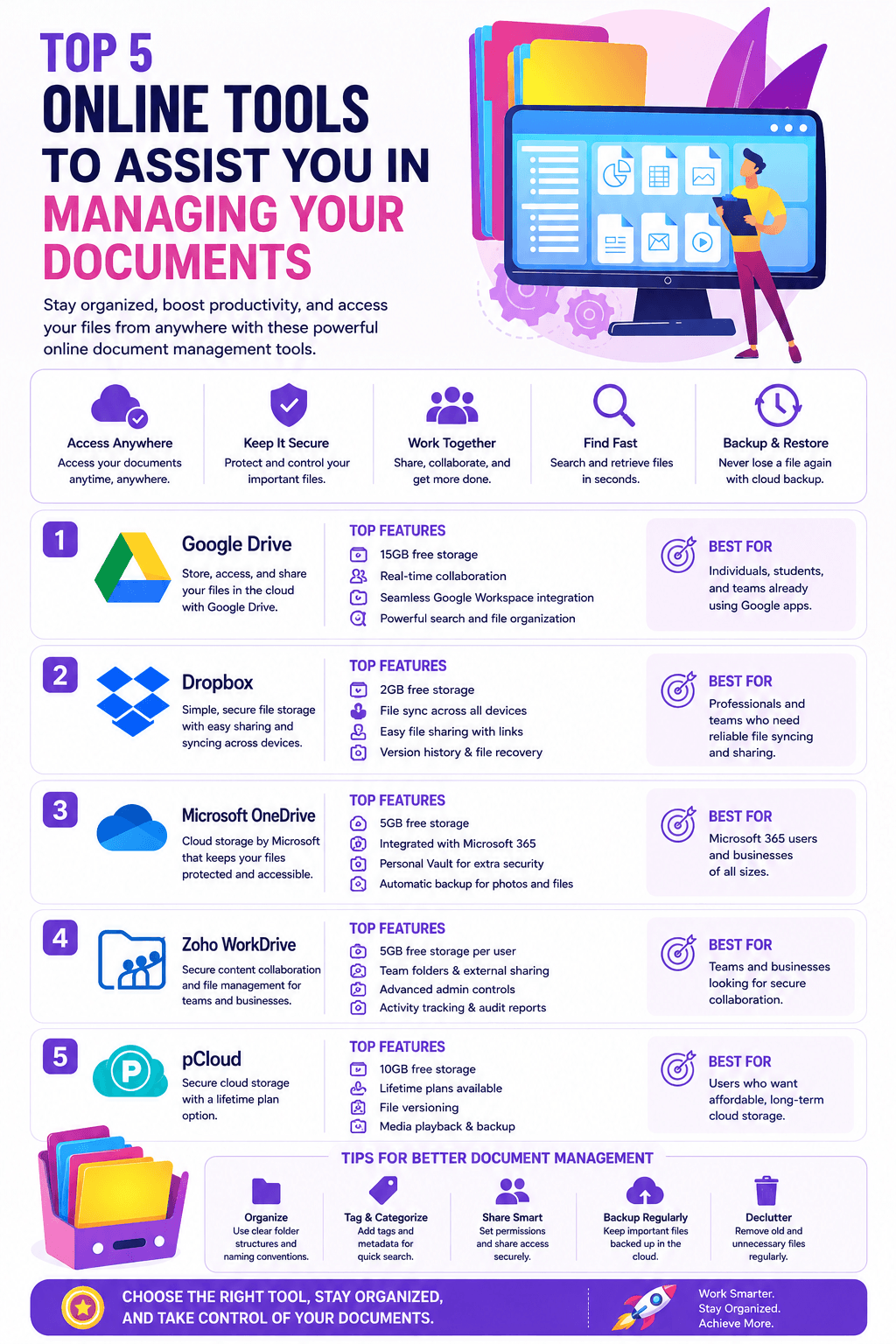
The top 5 online tools to assist you in managing your documents; Managing all your documents is more important than ever with an increasing amount of information stored in the cloud.
Document management is a broad term that encompasses a variety of activities and processes. It can help you increase efficiency, reduce costs and save time.
Managing your documents can help you save time and money. You’ll be able to find what you need when you need it, avoid duplicate purchases, and reduce the risk of losing essential data. Here we will highlight important tools that can help you manage your documents effectively.
Which type of tool do you actually need?
Before going through the list, it’s worth being clear that these five tools solve three different problems, not one. Matching the tool to the actual task saves time compared to picking based on rank order alone.
If your problem is a single PDF that’s too large, poorly organized, or needs to be combined with others, a PDF utility like MergePDF or a split tool is the right category. These are typically free, require no account, and are built for a single task done well rather than ongoing document management.
If your problem is getting a large file, or a batch of files, from your computer to someone else’s without email attachment limits getting in the way, a file transfer service like WeTransfer or Hightail is the right category. These are built around one-off or occasional transfers rather than long-term storage or team collaboration.
If your problem is an ongoing need for a team to access, edit, and track changes to shared documents over time, a full collaboration platform like Bitrix24 fits better than any single-purpose tool on this list. This is a genuinely different scale of tool, closer in category to Google Workspace or Microsoft 365 than to a PDF splitter, and if that’s what you actually need, Visualmodo’s guide to enterprise document management platforms covers that comparison in more depth than fits here.
Freelancers who mainly need to keep contracts, assets and approvals in order for each client can start with our guide to client document management for freelancers.
Five Online Tools To Assist With Managing Your Documents
1 – MergePDF.io
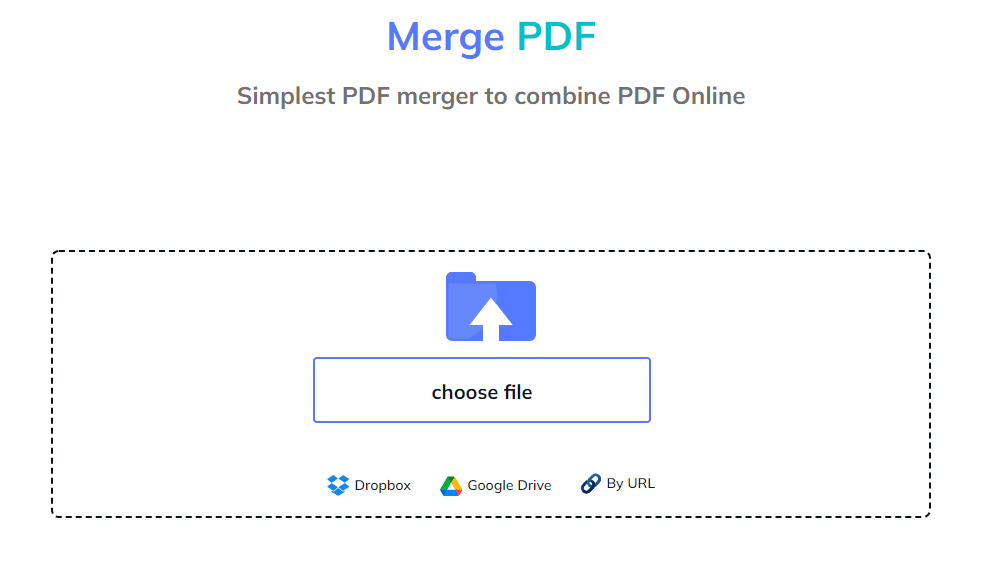
This free online tool allows you to merge multiple PDF files into one document. So, it’s easy to use and has a simple interface, so even beginners can get the hang of it quickly.
You can either upload your documents as individual files or import them from the cloud (Google Drive, Dropbox, etc.).
Once you have uploaded PDF documents that you wish to combine, set their arrangement using a simple drag and drop feature. Once the sequence is all set, you can click on the ‘Merge Files’ button to process your request.
Soon multiple files will get unified and available for download. You can also share them straightaway using WhatsApp, Email, or a URL.
2 – Split PDF (Smallpdf)
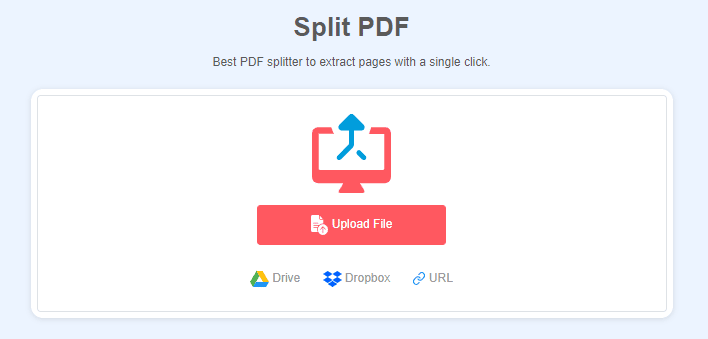
Split PDF (Smallpdf) is a free online tool that lets you split pdf files into smaller chunks. Files are always easier to manage when they are not too large. In addition, you can locate the desired information quickly without scrolling through several pages.
If you want to split up an existing document into smaller parts – say a 500-page file that’s too big for emailing – this tool will help.
Choose which pages should make up each part, then click “Split.” You can also create new folders in which to save each individual file.
3 – WeTransfer

WeTransfer is a file transfer service that allows you to send large files (up to 2GB) to others. If you have larger files or need more than 2GB of space, you can use WeTransfer Plus for a specific monthly fee.
You can send files through the website, email address, or phone number. You can also connect your social media accounts for easy sharing on Twitter and Facebook.
And so, if you’re looking for an easy way to share documents with team members or clients, this could be your tool. It has made it easier to share PDF files over the internet. Now you don’t need to get worried if a particular file is not getting attached to an email. Simply go to We Transfer, upload your PDF file, and send it to concerned people without issues.
4 – Bitrix24
Bitrix24 is a collaborative project management tool with all the online document management system capabilities. You can manage your documents, emails, tasks, and contacts from one place; which will help you keep track of your work and create an easy-to-use environment for your team members to collaborate.
You can use Bitrix24 to share documents with other users so that everyone on the team can have access to them at any time. The platform also lets you create projects; or tasks so that all related documents are collected into one central location where they can be accessed easily by the whole team.
It’s worth noting that Bitrix24 comes with a mobile app available for iOS and Android devices as well as tablets such as iPads.
This means that even when you’re out in the field doing something else entirely; someone else on your team can start editing a certain document.
5 – Hightail

Hightail is a cloud-based file sharing and collaboration tool that allows you to send large files; create and share private links, and collaborate on documents.
Hightail’s free Lite tier currently allows file sharing up to 100MB per file with 2GB of total storage, and shared files expire after seven days, so it works best for occasional, smaller transfers rather than a primary storage solution. Paid plans start with the Pro tier, which raises the file size limit to 25GB and removes the storage cap, and scale up through Teams and Business tiers that add version control, collaboration and annotation tools, and enterprise security features including SSO and Active Directory integration. In addition, with Hightail’s mobile app, you can access your content from anywhere on any device.
What to know before sending business documents through a file transfer service
Free file transfer tools are convenient, but it’s worth a brief, honest note on trust before routing client contracts, financial records, or other sensitive business documents through any of them.
WeTransfer briefly updated its terms of service in July 2025 to include language that appeared to grant the company broad rights to use uploaded content, including for training AI models. The update triggered significant backlash from creative professionals and businesses who routinely share confidential work through the platform, and WeTransfer reversed the change within about two weeks, publicly clarifying that it does not use customer content for AI training or share it with third parties. According to Malwarebytes’ coverage of the incident, the company attributed the original wording to confusion rather than intent, though the episode is a useful reminder that terms of service can change with little notice.
None of this means avoid the platform. It means treat any free file transfer service the way you’d treat any third party handling confidential material: check the current terms of service before uploading something genuinely sensitive, and for documents where confidentiality actually matters, consider password-protecting a zipped file and sending the password through a separate channel, regardless of which transfer service you use. This costs almost nothing in extra effort and removes the dependency on any single vendor’s current policy.
Benefits Of Managing Your Documents
There are myriad benefits of efficient document management. Some of the important ones include:
Better Collaboration
Suppose you have multiple people working on a single project; tracking who does what and when is important. Using a document management solution lets you ensure everyone has access to the latest files, so they don’t waste time working on old versions.
Better Security
When you store documents in an online repository, it’s easier to protect them from unauthorized access and tampering. For example, you can set up permissions so only certain individuals can access certain documents at certain times or locations. This also reduces the risk associated with lost or stolen devices that contain sensitive information about your company or clients.
Easier Storage
Managing documents digitally means there’s no need for physical storage space – everything is stored in one central location where it’s easily accessible by users when needed. You can also use features such as version history to see how a document evolved and who made which changes when they were made so you can easily identify conflicting edits or errors if they occur later on down the road.
Reduce Duplicate Purchases
If everyone in your office has access to different documents and they’re not all managed, it’s easy for someone to order something without realizing that someone else already ordered it. Managed documents let you easily see which items have been ordered and prevent duplicate orders from being placed.
Reduce The List Of Losing Data
Reduce the risk of losing important data by having backup copies of files in multiple locations. For example, suppose you store important files on just one computer. In that case, there’s a chance that the computer could crash or be stolen – or simply become inaccessible because of a power outage or Internet outage. Managed documents let you keep backup copies at multiple locations so that even if one device fails, another copy will always be available elsewhere.
Practical security habits that matter more than the tool you choose
The tools on this list handle transfer and organization, not the underlying security practices that actually protect a document once it’s shared. A few habits apply no matter which service you use.
Password-protecting sensitive files before upload, rather than relying solely on a platform’s account security, means the document stays protected even if a share link is forwarded further than intended. Most PDF tools, including many free ones, support adding a password directly to the file.
Confirming a service uses encryption both in transit and at rest is worth a quick check in any tool’s security or trust page before you commit to it regularly, the same way you’d check for a valid SSL certificate before trusting a website with sensitive information; the underlying principle, encrypting data so it can’t be intercepted or read by anyone other than the intended recipient, applies to file transfer the same way it applies to a website’s connection.
Setting realistic link expiration windows, most transfer services allow this, reduces the amount of time a shared document remains accessible if a link is accidentally forwarded or a recipient’s inbox is compromised later.
How often you should actually be backing up shared documents
The article’s advice to keep backup copies in multiple locations is correct but incomplete without a cadence. As a practical baseline, Visualmodo’s guidance on business website maintenance recommends backing up critical data at least weekly, or immediately after any significant change, and the same principle holds for important business documents, not just website files.
For documents actively being worked on by a team, a weekly backup cadence is a reasonable minimum. For anything tied to legal, financial, or compliance obligations, more frequent backups, or a tool with automatic version history built in, are worth the small additional setup cost. Bitrix24 and similar platforms handle this automatically through version history; for the standalone PDF and transfer tools earlier in this list, backup is a manual habit you have to build yourself, since none of them retain your files long-term by design.
Online Tools To Assist With Managing Your Documents: Conclusion
Online tools can make it easier to manage your documents. For example, you can use online tools to share documents with other people, such as clients or team members. You can also use them to share documents with yourself, for example, by creating a backup copy on a cloud storage platform like Google Drive or Dropbox.
Online tools are also useful for collaborative workflows. For example, suppose there is an existing document that multiple people wish to access and or modify. In that case, using an online tool will allow everyone involved in the project to do so without worrying about losing their local copies or overwriting each other’s changes.
Document management tools FAQ
For most everyday use, yes, and WeTransfer has publicly clarified it does not use uploaded content to train AI models following a 2025 terms-of-service controversy that was reversed after user backlash. For genuinely sensitive material, password-protecting the file before upload and reviewing the platform’s current terms of service periodically is a reasonable extra precaution regardless of which transfer service you use.
Hightail’s current free Lite tier allows files up to 100MB with 2GB of total storage, and shared files expire after seven days. This is more limited than WeTransfer’s free tier, which allows files up to 2GB per transfer, making WeTransfer generally the better free option for larger one-off transfers.
A PDF utility, like a merge or split tool, handles a single editing task on an existing file and typically requires no account. A file transfer tool moves large files from one person to another, usually with a short retention window. A document management platform is built for ongoing team collaboration, version control, and long-term storage, and is a meaningfully bigger commitment than either of the other two categories.
For occasional PDF editing and infrequent file sharing, free tools are genuinely sufficient for most individuals and small teams. The case for paying usually comes down to volume (frequent large transfers exceeding free tier limits), collaboration needs (multiple people editing the same documents over time), or compliance requirements that demand audit trails, version history, or specific security certifications that free tools don’t provide.
Infographic + Extra Tools