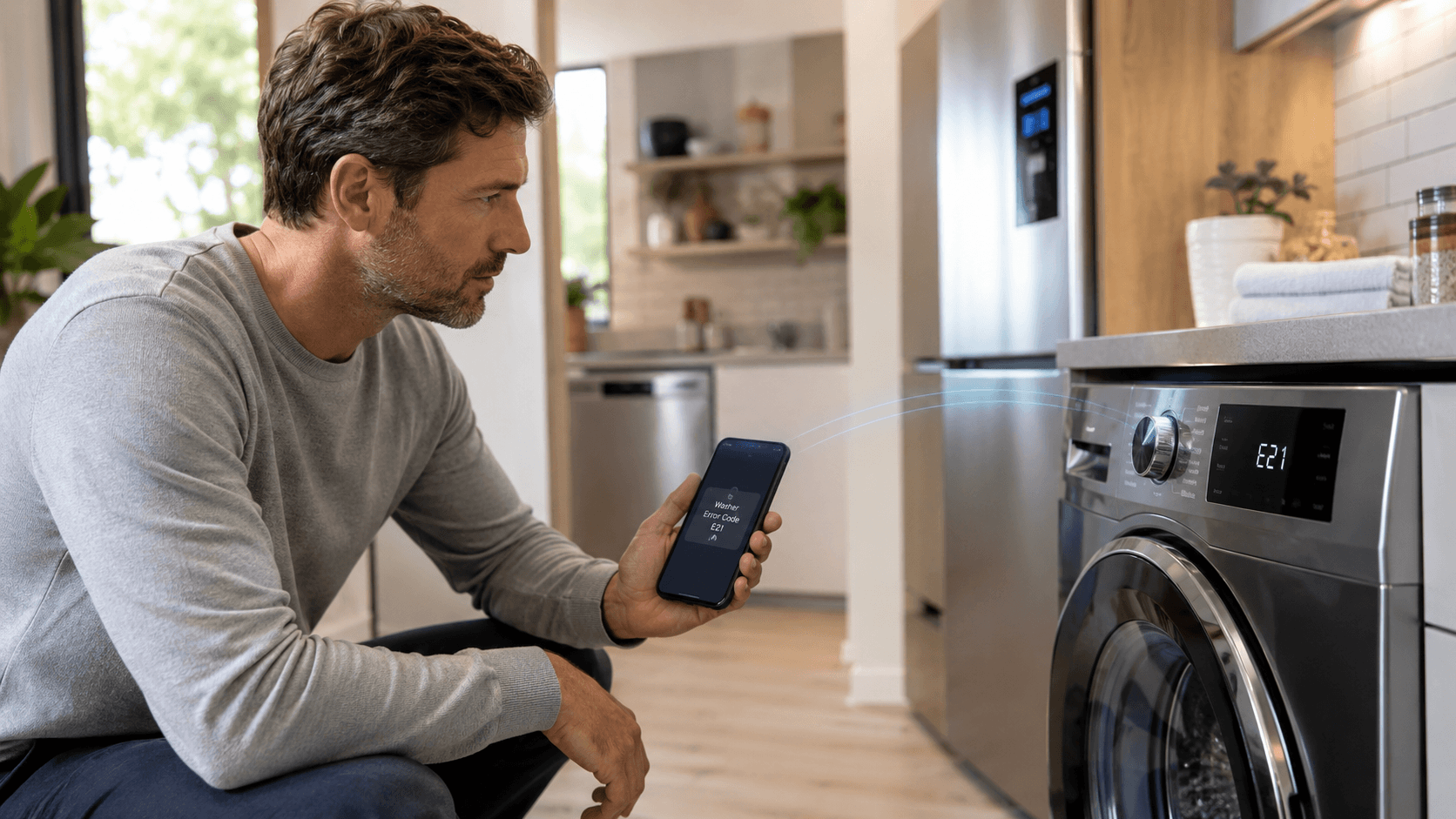
A decade ago, a broken appliance announced itself with a symptom – a noise, a leak, a load of clothes still wet. Today it often announces itself with a code: a string of letters and numbers on a display, a notification pushed to a phone, a light blinking in a pattern the manual decodes. The appliances got connected, and in doing so, they quietly changed both the economics and the experience of repairing them.
Diagnostics: what a self-check actually catches
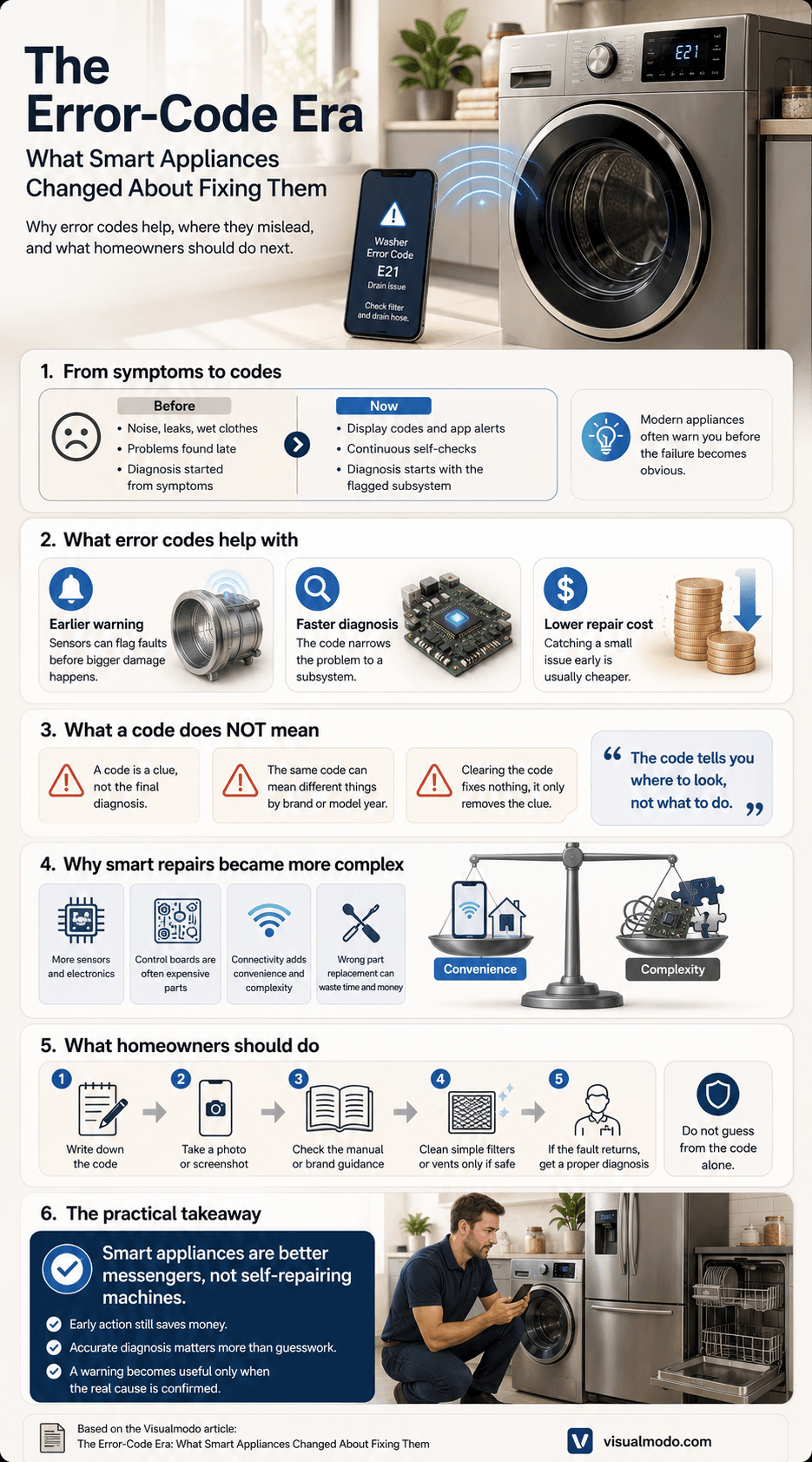
The most obvious shift is diagnostics. A modern refrigerator, washer, or dishwasher runs continuous self-checks, and when something drifts out of range, it reports it – often before a person would notice anything wrong. That head start is genuinely useful. A fault flagged early is usually a single failing sensor or valve, caught while it is still cheap, rather than a cascade discovered after the damage is done. The code narrows the search from “something is wrong” to “this subsystem is wrong,” thereby shortening the visit and lowering the bill.
But connectivity cuts both ways, and the marketing tends to skip the second half. More electronics mean more things that can fail, and the control boards that run smart features are among the pricier parts in any appliance. A unit that tells you exactly what is wrong is wonderful; a unit whose $400 main board is the problem is a harder conversation. “Smart” raises the ceiling on convenience and the floor on complexity at the same time.
Literacy problem
There is also a quiet literacy problem. Error codes only help if they are read correctly, and the same code can mean different things across brands and even model years. A drain error code might point to a clogged filter on one machine and a failed pump on another; a no-heat code might be due to an element, a thermal fuse, or a venting issue. Treating the code as the diagnosis – rather than the starting point for one – is how people end up replacing the wrong part and paying twice. The code tells you where to look, not what to do.
For homeowners, the practical takeaways are simpler than the technology suggests. Write the code down before clearing it; clearing it fixes nothing, and you lose the one clue the machine handed you. Do not assume a notification means catastrophe, or that the absence of one means everything is fine – sensors fail too. And when a connected appliance does flag a real fault, the value of acting early is the same as it ever was: the small problem is cheaper than the big one, whether or not the machine was polite enough to warn you first.
What the same kind of code actually means, brand by brand
The article’s point about codes varying across brands is easier to trust with a real example. A drain or spin error is one of the most common codes across washing machines, and it illustrates the point precisely.
On many LG washers, an IE or OE code points to a water inlet or drain issue, often a clogged filter or kinked hose rather than a failed part. On Samsung washers, a similar symptom often surfaces as a 4C or 5UD code, the latter specifically flagging oversudsing from too much detergent, a different root cause entirely from a mechanical blockage. Whirlpool’s equivalent, often an F5 or door-lock-related code, more frequently points to the door latch mechanism itself. Three different codes, three different likely causes, for what looks like the same symptom to the person standing in front of the machine, exactly the same-code-different-meaning problem this article argues but never demonstrates.
This is also why a code should be treated as a starting point for a specific brand and model lookup, not a universal glossary entry. The same two characters mean something different depending on what’s printed on the appliance’s own nameplate.
Where to actually check what a code means
Beyond writing the code down, the next step is confirming it against the specific appliance, not a general search result that may describe a different brand or model year entirely.
Most manufacturers publish searchable code lookup tools directly on their support sites, keyed to the model number found on the appliance’s nameplate, usually inside the door frame or on the back panel. For connected appliances specifically, the companion app the appliance is already paired with, LG’s ThinQ, Samsung’s SmartThings, GE’s SmartHQ, increasingly decodes the notification directly in plain language rather than requiring the code to be looked up manually at all, one of the genuine conveniences the connectivity this article describes actually delivers. If the physical manual has been lost, most manufacturers offer a free PDF download by entering the model and serial number, which is often faster than searching for the code in isolation. For a second opinion beyond the manufacturer’s own materials, iFixit’s independent repair guides cover many major appliance brands without the filtering a manufacturer’s own support content sometimes has.
What connectivity adds that isn’t always a straightforward upgrade
The connectivity layer this article describes creates a few dependencies worth knowing about honestly, since they don’t always get mentioned alongside the convenience.
Most core appliance functions still work without a WiFi connection, a washer will still wash, a refrigerator will still cool, but the notification and remote-diagnostic layer this article is about generally requires connectivity to function at all. If the home network goes down, the appliance typically reverts to its physical display and any built-in error lights, without the phone notification.
Firmware updates, pushed automatically by many manufacturers, can occasionally change how a feature works or, in rarer cases, restrict a feature that was previously included, sometimes moving it behind a subscription tier. This isn’t universal across brands or models, but it’s worth knowing that a smart appliance’s feature set isn’t always fixed at the point of purchase the way it would be on a purely mechanical one. For a broader look at how this connected-device layer works at a technical level, Visualmodo’s overview of how the Internet of Things is changing everyday devices covers the underlying mechanics this article’s diagnostics section builds on.
What Changed?
The appliances changed. The underlying rule did not. Machines made of moving parts and electronics still wear, still fail, and still cost less to fix when the problem is caught early and diagnosed properly rather than guessed at. The screen on the front is a better messenger than the silence that used to precede a breakdown – but it is still just the messenger. Someone who knows the difference between what the code says and what is actually broken is what turns a warning into a working appliance again. For dependable diagnosis and repair across every major brand, the team at https://fixifycolorado.com/ handles exactly that – whether your machine speaks in codes or simply stops.
Smart appliance error code FAQ
No. Clearing a code only resets the notification, it doesn’t repair whatever triggered it. If the underlying issue wasn’t addressed, most appliances will simply flag the same or a related code again once conditions drift out of range a second time.
The most reliable source is the manufacturer’s own support site, searched by the model number found on the appliance’s nameplate, since the same code can mean different things across brands and even model years. For connected appliances already paired with a companion app, that app often decodes the notification directly without needing a manual lookup at all.
Core functions generally continue working normally, a washer still washes, a refrigerator still cools, but the remote notification and diagnostic layer typically requires an active connection. Without it, the appliance usually reverts to its physical display and built-in indicator lights only.
In some cases, yes. Manufacturers occasionally push updates that change how a feature behaves, and in rarer instances move a previously included feature behind a subscription. This varies significantly by brand and model and isn’t universal, but it’s a real consideration for connected appliances that a purely mechanical one doesn’t have.
Infographic