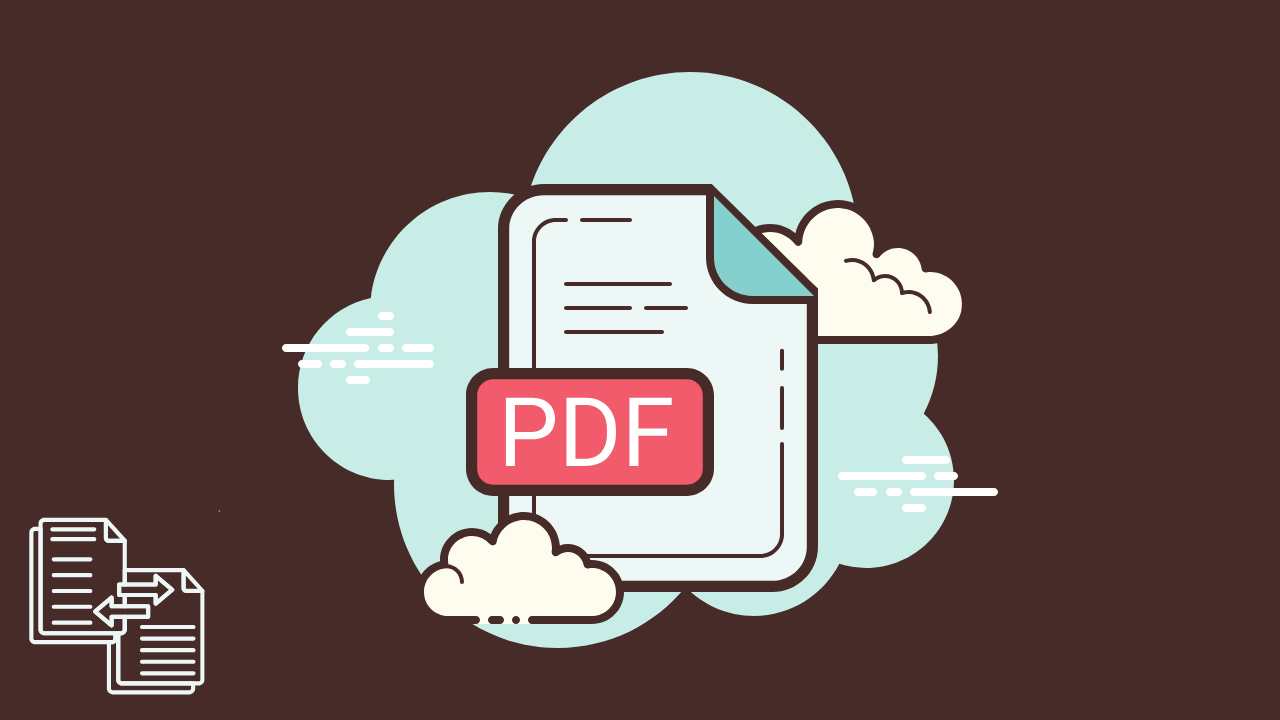
PDFs are the closest thing we have to a universal document language. They open the same way on Windows, Mac, Android, and iPhone. They preserve formatting when a Word file would break. They make contracts look official. They turn resumes into something that will not shift when a recruiter opens it. In this article, we’ll tell you about a simple and reliable free PDF converter pdflove.net, which doesn’t require registration and allows you to convert files without restrictions.
They also create one annoying problem: the moment you need to edit, sign, compress, merge, or convert a PDF, you can lose time fast. Some tools force you to create an account. Others cap file size. Many add watermarks, limit conversions, or ask you to pay right when you are in a hurry.
That is why people keep searching for the same thing, a free PDF converter that is simple, reliable, works in the browser, and does not make you register.
This guide breaks down what a good free PDF converter should do, which conversion types matter most, how to stay safe with sensitive files, and how to choose the right format for your goal. If you run a business, study, or handle paperwork regularly, you will also learn a few workflow habits that cut your document time dramatically.
What is a PDF converter, and what does it actually do?
A PDF converter is a tool that changes a file from one format to another while keeping the content usable.
Sometimes that means turning a Word document into a PDF so it looks consistent everywhere. Other times it means converting a PDF back into Word so you can edit it. It can also mean converting images into a PDF, compressing a large PDF so it can be emailed, or merging several PDFs into one clean file.
A strong converter does two things at once.
It keeps the output accurate, layout, fonts, spacing, pages, images, it all still makes sense.
It removes friction, you can finish the task quickly without extra steps like signups or software installs.
Why “no registration” matters more than it sounds
When you are converting a file, your goal is speed and control. Registration can slow that down, but the bigger issue is privacy. No registration PDF converter
A signup step usually means your file is being tied to an account, stored longer, or logged in a way you cannot easily verify. That is not always bad, but it is not what people want when they are converting a one off invoice, a school assignment, or a scanned form.
A no registration converter is appealing because it feels closer to a simple utility. Upload, convert, download, done with No registration PDF converter.
The most common PDF conversions people need in real life
Most “PDF tool” use cases are surprisingly predictable. They fall into a few everyday categories:
Work documents: proposals, contracts, invoices, reports
School: assignments, readings, worksheets, submissions
Personal admin: forms, IDs, bills, applications
Creative and marketing: PDFs for downloads, lead magnets, portfolios
If you build your workflow around those categories, you will usually know which conversion to pick without guessing.
Table: Popular PDF conversions, what they’re for, and what to watch out for
| Conversion type | Best for | What a good tool should preserve | Common mistake to avoid |
|---|---|---|---|
| Word to PDF | Sharing documents that must keep formatting | Fonts, spacing, page breaks, headers | Exporting with low quality images |
| PDF to Word | Editing text, updating sections, reusing content | Paragraph structure, tables, headings | Expecting perfect layout on complex designs |
| JPG to PDF | Turning scanned photos into one document | Image clarity, page size, correct orientation | Uploading blurry photos and expecting readable text |
| PDF to JPG | Sharing single pages as images, previews, social | Sharpness, correct cropping | Exporting too small, text becomes unreadable |
| Compress PDF | Email attachments, uploads with size limits | Readability, image quality, link functionality | Compressing too aggressively and ruining text clarity |
| Merge PDF | Combining pages, contracts, attachments | Page order, consistent sizing | Merging without checking orientation and duplicates |
| Split PDF | Extracting specific pages | Page accuracy, numbering | Forgetting to confirm you extracted the right pages |
| PDF to PNG | Higher quality images for web or design | Crisp lines, transparency where needed | Using JPG when you need clean text edges |
Free PDF Converter: How to choose the right format, in plain English
- If your goal is “make it look the same everywhere,” choose PDF.
- If your goal is “I need to edit this text,” convert to Word.
- The goal is “I need to share a page quickly,” export to JPG or PNG.
- If your goal is “I need to upload it to a portal,” compress it carefully.
- If your goal is “I have five files and they must become one,” merge them.
That is it. Most confusion comes from trying to use one format for the wrong job.
What makes a free PDF converter “reliable”
Free tools are everywhere, but reliable tools have a few consistent traits.
First, they keep your layout readable. A converter that mangles tables or scrambles spacing is not saving time, it is creating rework.
Second, they are predictable. If a tool works one day and fails the next, you cannot build a workflow around it with the unlimited PDF converter.
Third, they are fast without being sloppy. Quick conversions matter, especially when you are doing repetitive work.
Fourth, they do not punish you with limits that appear at the worst moment, like “one conversion per day” or “file too big” after you already uploaded it.
Finally, they feel safe. Clear steps, clear output, no weird popups, no misleading buttons.
Quick safety guidance for converting PDFs online
A lot of people worry about uploading documents online, and that is fair. The safe approach is to treat PDF conversion like any other web based file task.
If the document contains highly sensitive data, medical records, banking information, or private IDs, be extra careful about what tool you use and where you upload it. For normal paperwork, look for tools that keep the workflow simple and do not force account creation.
If you are running a company, it can help to document your internal rules, like “client contracts only converted on approved tools,” so teams do not improvise on deadlines.
Free PDF Converter: Why unlimited conversion is a big deal for real workflows
One conversion is never the real task.
You convert a Word doc to PDF, then realize the file is too big, so you compress it. Then you need to merge it with an appendix. Then you split out a signature page to send separately. If your converter caps steps, you end up bouncing between tools, or worse, signing up for three different services. All possible with the unlimited PDF converter.
Unlimited conversion matters because document work tends to come in batches. You might be applying to jobs, onboarding new clients, submitting school assignments, or preparing tax paperwork. When the tool stays out of your way, you move faster and make fewer mistakes.
If what you want is exactly what this article title promises, a simple and reliable free PDF converter with no registration and unlimited conversion, then your best move is to use a tool designed around that idea.
Free PDF, no registration. Simple and reliable. Unlimited conversion.
Try PDF Love when you need quick conversions without the usual friction.
FAQ
The best choice is the one that matches your most common tasks and stays consistent. Look for a tool that supports the formats you need, preserves layout, and does not force signups or hide limits mid process.
Simple PDFs often convert well. Complex PDFs with multi column layouts, custom fonts, or heavy graphics may need manual touchups after conversion. A reliable converter should still preserve structure well enough to edit quickly.
For everyday documents, many people use browser based converters safely. For highly sensitive information, be more selective and follow your organization’s policies. Avoid uploading confidential files to unknown tools.
Often it is for user accounts, storage, usage limits, or paid upgrades. No registration tools are popular because they reduce friction and keep the task focused.
JPG is usually smaller and good for photos. PNG is often sharper for text, diagrams, and clean edges, and can support transparency. If you need clarity, PNG is often the better pick.
Use compression that balances size and readability. If the PDF is mostly text, compression can often shrink size without visible loss. If it is full of images, avoid extreme compression or your document becomes hard to read.
Yes, many online PDF toolkits support merge and split features. The key is choosing one that does not cap usage or add watermarks.