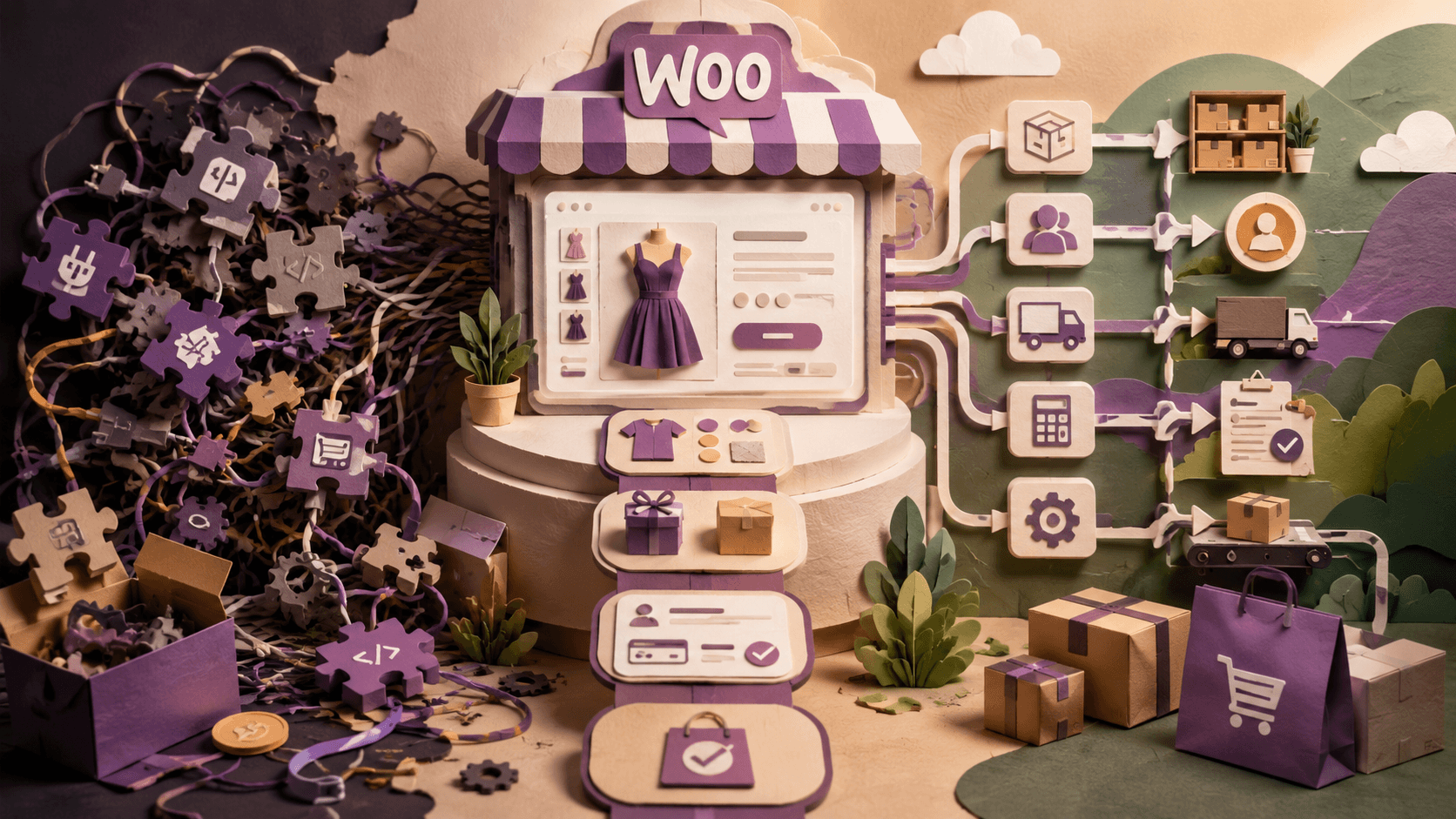
WooCommerce makes it possible to launch an online store without building an eCommerce platform from scratch. A standard WordPress installation, a suitable theme, several plugins, and a payment gateway may be enough for a small store with a straightforward catalog.
However, online stores rarely remain simple forever.
As a business grows, the website may need to support complex product configurations, customer-specific pricing, external inventory systems, unusual shipping rules, or automated order processing. At this point, adding another plugin is not always the best solution.
The real question is not whether WooCommerce can support the required functionality. In most cases, it can. The more important question is whether the store should continue relying on ready-made extensions or move toward a custom-built solution.
Standard WooCommerce Is Enough for Many Stores
A standard WooCommerce setup works well when the business has relatively simple requirements.
For example, an online store may only need:
- a conventional product catalog;
- several product categories;
- basic product variations;
- online payments;
- standard delivery methods;
- promotional coupons;
- customer accounts;
- order notifications.
There is no reason to develop custom functionality when a reliable existing solution already covers the requirement. Using established WooCommerce features and well-supported extensions usually reduces development time and simplifies future maintenance.
Problems begin when the store’s actual business processes no longer fit the assumptions built into standard themes and plugins.
1. Your Products Are More Complex Than Standard Variations
WooCommerce supports variable products, allowing customers to choose options such as size, color, or material. This works perfectly for many catalogs.
But some products involve dependencies between options.
A customer may need to select a product type first, after which only certain materials, dimensions, accessories, or delivery options should become available. The final price may depend on several choices, quantities, measurements, or customer information.
Examples include:
- made-to-order furniture;
- configurable industrial equipment;
- printing services;
- subscription packages;
- personalized products;
- wholesale product bundles;
- services with multiple pricing parameters.
Trying to reproduce this logic with dozens of separate variations can make the catalog difficult to manage. It may also create an unnecessarily heavy product page and confusing administration interface.
A custom product configurator can present only relevant options, calculate the price dynamically, validate customer selections, and store the final configuration correctly in the order.
2. Too Many Plugins Are Doing Small Parts of One Process
Plugins are one of the greatest strengths of WordPress. They are also a common source of technical complexity.
A store may gradually accumulate separate extensions for product options, discounts, checkout fields, invoices, delivery rules, customer roles, wish lists, product filters, stock synchronization, and email customization.
Each plugin may work correctly on its own. The difficulties appear when several plugins modify the same part of WooCommerce.
Common symptoms include:
- checkout errors after updates;
- conflicting pricing rules;
- duplicated scripts and styles;
- slow product pages;
- inconsistent administration screens;
- features that stop working with a new theme;
- difficulty identifying which plugin caused a problem.
Installing more plugins is not always cheaper than developing one focused solution. A custom module can sometimes replace several overlapping extensions and implement only the logic the business actually needs.
The objective is not to eliminate plugins. It is to avoid building the store around a collection of unrelated tools that were never designed to work together.
3. The Store Must Connect to Other Business Systems
Many growing businesses manage more than an online store.
They may also use:
- CRM software;
- ERP platforms;
- warehouse management systems;
- accounting applications;
- external supplier databases;
- shipping provider APIs;
- marketplace accounts;
- loyalty platforms;
- internal order management tools.
Manual data transfer may be manageable when the store receives a few orders per week. It becomes inefficient and error-prone when order volume increases.
Employees may need to copy customer details, update stock quantities, create invoices, check payments, or enter tracking numbers in several systems. These repetitive tasks consume time and create opportunities for mistakes.
Custom integration allows WooCommerce to exchange data with external platforms automatically. Depending on the workflow, the store can send new orders to a CRM, receive updated stock levels, generate shipping documents, synchronize prices, or update customers when an order changes status.
For businesses with specific operational requirements, professional custom WooCommerce development can turn the website from a separate sales channel into an integrated part of the company’s infrastructure.
A Technical Path Worth Knowing: WooCommerce’s REST API and Headless Setups
For the most complex integration and performance cases described in this guide, there’s a specific technical pattern worth understanding before hiring anyone: WooCommerce ships with a full REST API that lets external systems create orders, update stock, and read customer data without touching the WordPress admin at all. Most custom integrations described here, CRM syncs, ERP connections, marketplace feeds, are built on top of that API rather than around it.
For stores where performance problems trace back to WordPress and WooCommerce’s own rendering rather than a specific query, a headless WooCommerce setup, keeping WooCommerce as the backend and order engine while a separate frontend built in React or Next.js handles what customers actually see, is increasingly common at the enterprise tier. It’s a bigger architectural commitment than a targeted custom module, closer in scope to the kind of enterprise WordPress project that involves rethinking the platform’s structure, not just adding a feature.
This isn’t the right call for most of the situations described in this guide. It’s worth knowing about specifically because it’s the ceiling: if a technical audit finds the store’s problems are architectural rather than a handful of missing features, this is the direction that conversation eventually goes.
4. Different Customers Need Different Prices or Ordering Rules
Standard eCommerce assumes that every visitor sees the same catalog and purchases products under similar conditions.
B2B commerce often works differently.
Wholesale customers may have individual price lists, minimum order quantities, payment terms, tax rules, product availability, or delivery conditions. Some customers may be allowed to place an order without immediate payment, while others must pay during checkout.
A business may also need:
- prices based on customer groups;
- hidden products for selected accounts;
- quantity-based discounts;
- quote requests instead of direct purchases;
- approval workflows;
- recurring corporate orders;
- purchase limits;
- customer-specific catalogs.
Several plugins offer parts of this functionality. However, a complex B2B model usually requires consistent logic across product pages, the shopping cart, checkout, customer accounts, emails, and order management.
Custom development makes it possible to build these rules around the actual sales process instead of forcing the business to adapt to a generic plugin.
5. The Default Checkout Does Not Match the Customer Journey
The standard WooCommerce checkout is designed for conventional online purchases. Customers add products to the cart, enter billing and shipping information, select payment and delivery methods, and complete the order.
Some businesses need a different process.
A checkout may require:
- several delivery addresses;
- appointment booking;
- document uploads;
- product installation details;
- age or identity verification;
- a deposit instead of full payment;
- conditional fields;
- separate billing contacts;
- purchase order numbers;
- approval by another user.
Adding fields is easy. Building a reliable conditional workflow is more difficult.
Every additional step must work with payments, order confirmation, customer accounts, administration, emails, mobile devices, and possible order edits. Poorly planned checkout customization can create abandoned carts or incomplete order data.
The best solution begins with mapping the complete customer journey before writing code. Every field and step should have a clear purpose.
6. Store Management Requires Too Much Manual Work
Customers only see the front end of an online store. Employees spend much of their time in the administration area.
A store may look polished while remaining difficult to operate.
Typical management problems include:
- repetitive order status changes;
- manual creation of product bundles;
- complicated product imports;
- frequent price updates;
- difficulty finding relevant orders;
- copying information between systems;
- manually sending the same customer messages;
- preparing reports in spreadsheets.
Custom development is not limited to visible customer features. Improving internal workflows can produce an equally important return on investment.
A tailored administration screen, automated action, bulk editing tool, or custom report may save hours of routine work every week. It can also reduce the amount of training required for new employees.
7. Performance Problems Continue Despite Basic Optimization
WooCommerce performance depends on many factors: hosting, database size, theme quality, plugins, product count, images, external scripts, and custom queries.
Basic optimization can solve many common problems. This may include caching, image compression, script management, database cleanup, and better hosting.
But performance tools cannot fix inefficient application logic.
A store may remain slow because:
- product filters generate expensive database queries;
- pricing calculations run repeatedly;
- a plugin loads unnecessary code on every page;
- external inventory requests happen during page loading;
- large variation sets are rendered at once;
- custom functionality was added without considering scale.
In such cases, adding another optimization plugin only hides the underlying issue.
A technical review can identify which operations consume resources. The solution may involve rewriting a query, changing how data is stored, loading information asynchronously, caching calculated results, or replacing a problematic extension.
8. The Business Has Outgrown Its Original Website Structure
Many stores are launched with limited information about future growth. That is normal. A small catalog does not require the same planning as a store with thousands of products.
Over time, however, the original structure may become restrictive.
Categories may be inconsistent. Product attributes may have been created without a clear system. Filters may not help customers narrow their choices. URLs may reflect outdated product groupings. Content managers may use the same fields for different purposes.
At this stage, adding new features without correcting the structure can make the problem worse.
Before beginning custom development, it may be necessary to reorganize:
- product categories;
- attributes and variations;
- product data;
- customer roles;
- order statuses;
- URL structure;
- integration logic.
A strong technical foundation makes future development faster and less expensive.
Custom Development Does Not Mean Rebuilding Everything
Business owners sometimes assume that custom development requires replacing the entire store. That is not always the case.
WooCommerce was designed to be extended. A developer can often add a focused custom module while keeping the existing theme, products, orders, payment setup, and other reliable components.
The right approach depends on the condition of the current website.
A targeted improvement may be appropriate when the store has clean code, stable hosting, a well-structured catalog, and only one or two missing features.
A larger rebuild may be more practical when the website depends on abandoned plugins, outdated themes, duplicated functionality, or years of temporary fixes.
The decision should be based on a technical audit rather than assumptions.
What Custom WooCommerce Development Actually Costs
Every trigger described above eventually leads to the same practical question: what should this cost to fix properly?
Pricing varies more by scope than by store size. According to Codeable’s 2026 WooCommerce development cost guide, a basic customization project, a focused fix like the checkout logic or plugin conflict described earlier, typically runs $1,500 to $8,000. A mid-level project involving custom product configurators, role-based B2B pricing, or a handful of system integrations generally falls between $5,000 and $25,000. Enterprise-scale work, deep ERP integration, or a full structural rebuild commonly runs $25,000 to $100,000 or more.
Hourly rates track the same range: entry-level WooCommerce developers typically charge $25 to $100 an hour, while senior specialists handling complex integrations charge $100 to $200 or more. Evaluating a scalable development partner is really about matching their rate tier to the actual complexity described earlier in this guide, not simply choosing the cheapest quote.
Zooming out, this is really a specific case of the broader custom development versus off-the-shelf software decision every growing business eventually faces, WooCommerce and its plugin ecosystem are simply where that decision shows up first for most online sellers. The cost of doing nothing is worth weighing too: a store losing sales to checkout abandonment, or burning staff hours on manual order processing weekly, is already paying for the problem, just without a clean invoice attached to it.
How to Prepare for a Custom WooCommerce Project
A business does not need to write a detailed technical specification before contacting a developer. However, it should describe the problem clearly.
Useful preparation includes:
- Explaining how the process works now.
- Identifying which steps are manual or inefficient.
- Describing what customers and employees should be able to do.
- Listing existing integrations and plugins.
- Separating essential requirements from future ideas.
- Providing examples of unusual products or orders.
- Defining who will manage the new functionality.
It is usually better to describe the desired business outcome than to prescribe a technical solution.
For example, “wholesale customers should receive their agreed prices automatically” is more useful than “install a wholesale pricing plugin.” The first statement explains the goal and leaves room for the developer to recommend the most reliable implementation.
Final Thoughts
WooCommerce can support much more than a basic online store. Its flexibility is one of the main reasons businesses continue using it as their operations become more complex.
However, flexibility should not be confused with installing an unlimited number of extensions.
Custom development becomes valuable when standard tools no longer reflect how the business sells, manages products, processes orders, or communicates with other systems. Done correctly, it reduces manual work, simplifies store management, improves reliability, and creates room for future growth.
The best solution is rarely the one with the most features. It is the one that supports the business process with the least unnecessary complexity.
Frequently Asked Questions About Custom WooCommerce Development
Basic customizations typically run $1,500 to $8,000, mid-level projects with configurators or system integrations fall between $5,000 and $25,000, and enterprise-scale work can reach $25,000 to $100,000 or more, depending on scope rather than store size alone.
A focused fix, like resolving a plugin conflict or building one custom checkout field, can take a few weeks. A mid-level integration project usually runs one to three months. Enterprise rebuilds or headless migrations commonly take three to nine months.
It can, if the code hooks into WooCommerce’s internals in unsupported ways. Custom development built on WooCommerce’s documented hooks, actions, and REST API is far more update-resistant than code that modifies core files, worth confirming with any developer before work starts.
Usually not. A targeted custom module can often be added alongside an existing theme, catalog, and payment setup. A full rebuild is typically only necessary when the store depends on abandoned plugins, outdated themes, or years of accumulated temporary fixes.
It depends on how much control and cost predictability matter versus convenience. WooCommerce with custom development gives full ownership of the code and no required transaction fees, while Shopify trades some of that control for a more managed platform. Neither is universally better.
If any of the eight situations covered in this guide, complex product logic, plugin conflicts, system integrations, B2B pricing rules, non-standard checkout, heavy manual admin work, unresolved performance issues, or outgrown site structure, sound familiar, a technical audit is the right next step before assuming a plugin will fix it.