Business card makers are everywhere online, and Canva is usually the first place people turn. It’s not surprising, given that the tool is free, easy to use, and gets the job done well enough when you are just starting out. But over time, the cracks begin to show. The same templates get downloaded by thousands of other businesses, customization hits a ceiling, and before long, your card looks indistinguishable from everyone else’s. In this article, we’ll share the top five Canva alternatives for business card design.
That said, we tested dozens of tools to find you the best options. These are five Canva alternatives that give you the creative freedom to design a business card worth remembering. If one had to stand out above the rest, Design.com makes the strongest case, with its professionally designed templates and AI tools that make the entire process feel effortless.
In this article, we’ll walk you through each one so you can find the right fit for your brand.
| Tool | Best For | Rating | Ease of Use | Free Trial |
| Design.com | Building a strong brand identity | 10/10 | Easy | Yes |
| BrandCrowd | Positioning yourself as a creative | 9.5/10 | Easy | Yes |
| Adobe Express | Basic design within the Adobe ecosystem | 8.5/10 | Moderate | Yes |
| VistaPrint | Basic print orders on a budget | 8/10 | Easy | No |
| Moo | Basic print quality for simple cards | 7/10 | Easy | No |
Now let’s take a closer look at each tool:
1. Design.com — Best Overall Business Card Maker
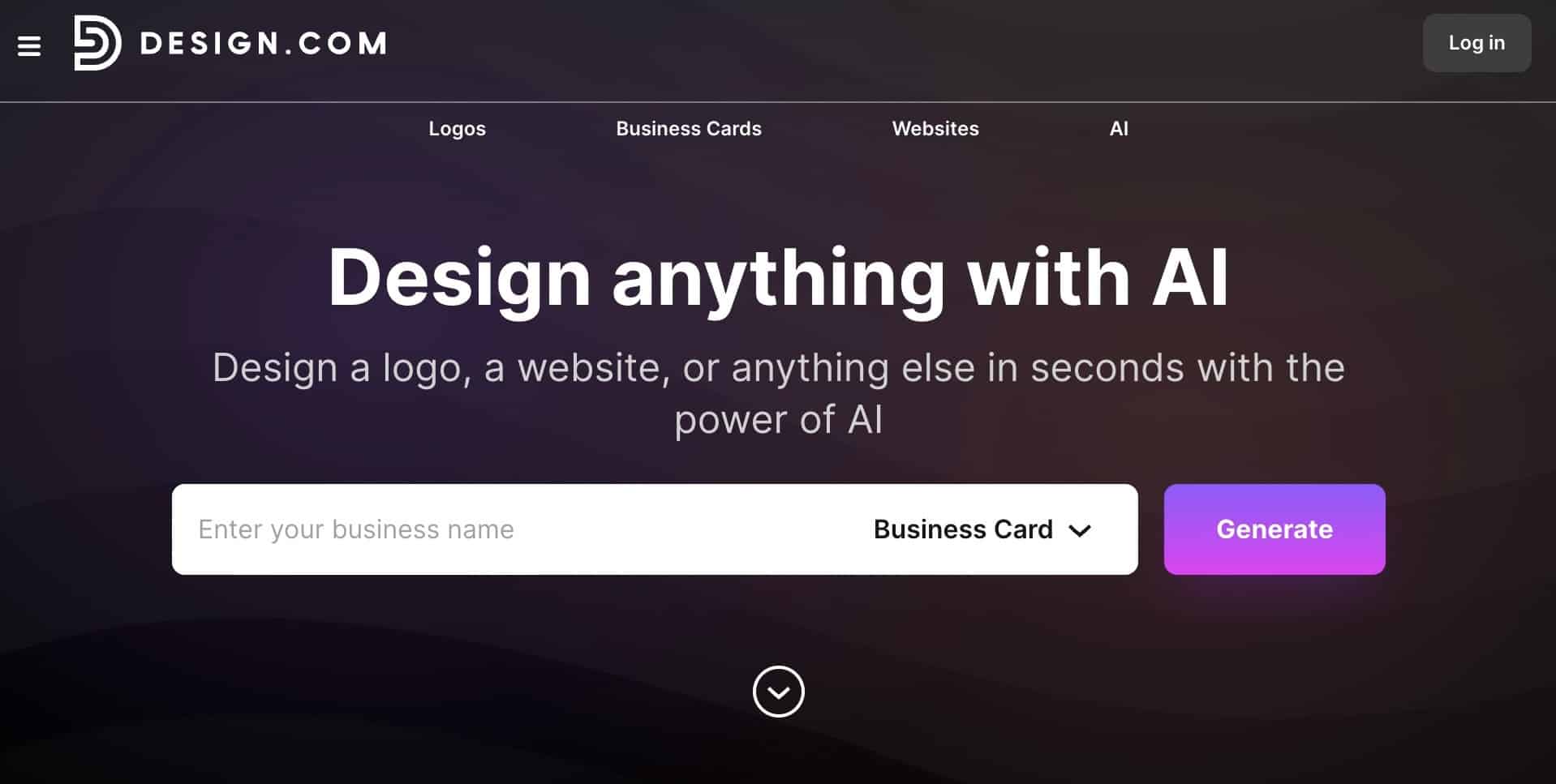
Most business card makers hand you a template and leave you to figure out the rest, and Canva is no exception. Good thing, Design.com works differently. Rather than starting from scratch every time, it builds your card around your own brand from the get go.
As a leading AI branding platform trusted by thousands and rated 4.7 on Trustpilot across 3,000+ reviews, you’d expect nothing less from its AI business card generator. Every card you create automatically pulls in your AI-generated logo, fonts, and colors, so everything stays consistent without you having to think about it.
Why it stands out:
- 20,000+ Professionally Designed Templates: Every layout in the library was created by professional designers, with thousands of options spanning industries, niches, and styles.
Take a look at how the templates hold up across different types of businesses.
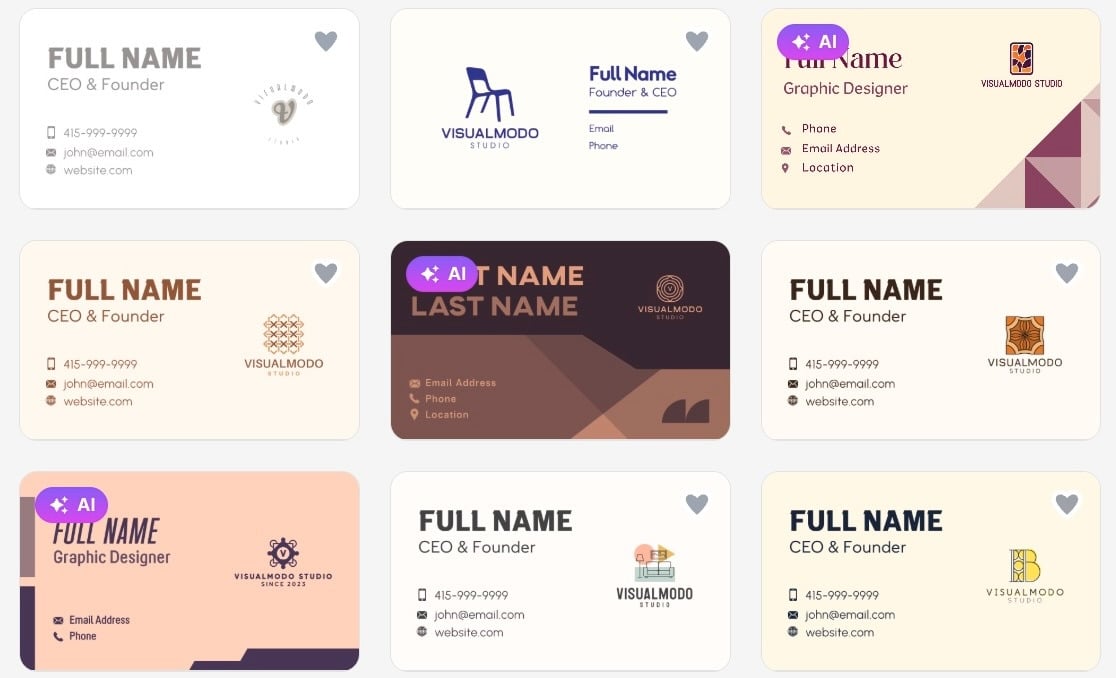
We put it to the test by browsing across several industries to see how deep the library actually goes. Rather than recycled layouts with a new color coat, each category had designs that genuinely felt made for it.
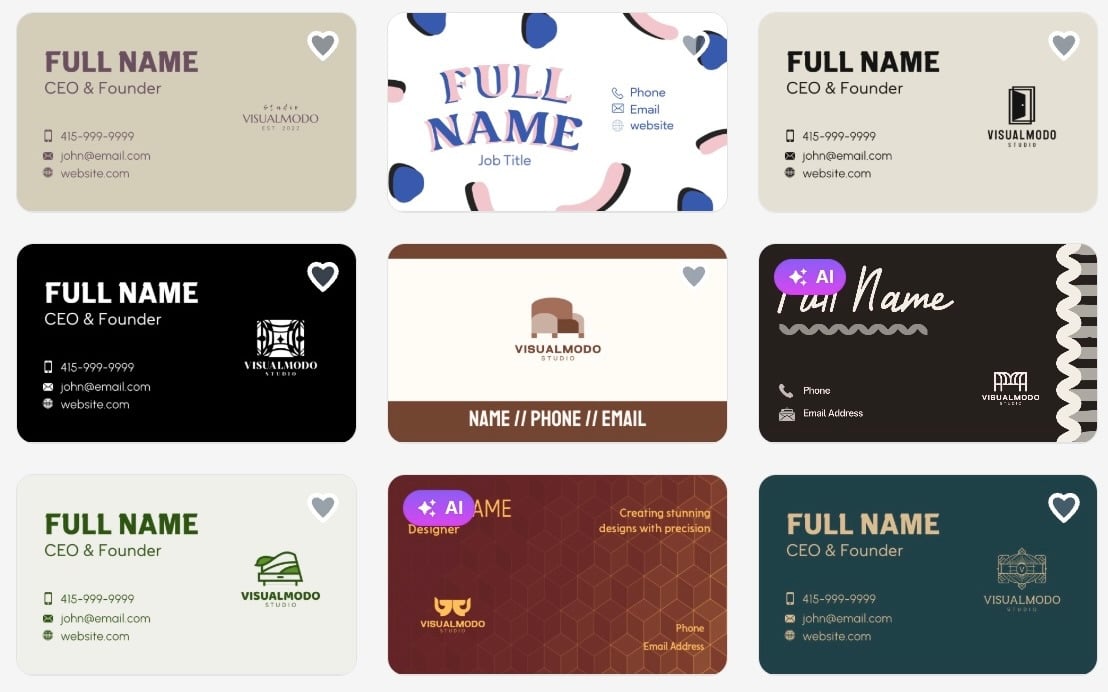
- AI-Generated Design: Tell Design.com a little about your brand and its built-in AI gets to work straight away, pulling in your logo, fonts, and colors to produce a card that looks considered and intentional from the very first draft.
- Free Business Card Designs: Not ready to commit yet? You can access, customize, and experiment with a selection of free templates to get a feel for what works before making any decisions.
- World’s Largest Design Library: With over 400,000 logo templates and more than 1 million total design assets, inspiration is never far away. Whatever your brand looks like, the right starting point is already in there.
- Effortlessly Easy to Use: No design experience needed. The interface walks you through the whole process in a way that feels natural, with every control sitting exactly where you would expect it, so going from a blank canvas to a finished card never feels like a chore.
Most tools claim to be easy to use, and most of the time that’s a stretch. Design.com is one of the few that actually backs it up, and in many ways it’s easier than Canva without sacrificing any of the creative control that makes the end result worth showing off.
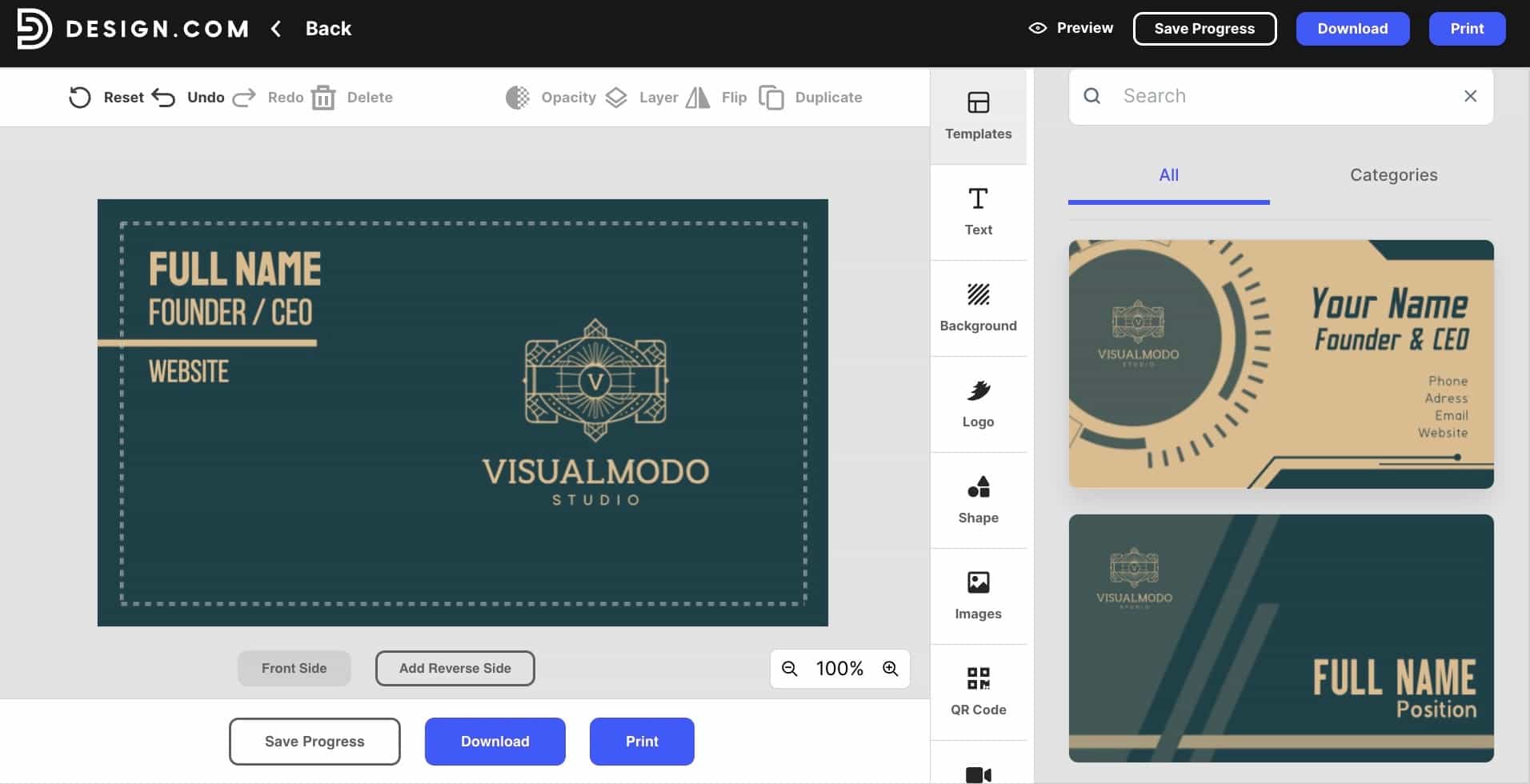
- All-in-One Branding Suite: Design.com bundles the business card maker with a high-quality logo package and an AI-built website, so your card, your site, and your brand all come from the same place and look like they belong together.
- 50+ Design Tools in One Place: Business cards are just the starting point. A website builder, poster maker, social media templates, and over 50 other creative tools are all here too, so your brand has room to grow without ever needing to switch platforms.
- Brand Consistency Across Every Design: Every asset you create automatically pulls in your logo, colors, and fonts. Your business card, your posters, your social graphics, they all stay on-brand without you having to think about it.
- Free Worldwide Print Delivery: When you are ready to print, Design.com ships anywhere in the world at no extra cost. No hidden fees, no fine print, just your finished cards delivered straight to your door.
Best for businesses that:
- Those who want a card that looks and feels like a genuine brand statement
- Entrepreneurs needing everything to stay consistent across their entire visual identity
- Small building owners building from scratch and want one platform to handle it all
Verdict: Design.com helps you build something that actually represents your business. The templates are professional, the AI keeps everything consistent, and the whole process feels far less like work than it should. For a card worth handing over, this one delivers.
2. BrandCrowd — Fast Professional Design for Every Kind of Founder
BrandCrowd is already trusted as one of the world’s best logo makers, and its business card maker is no different. While Canva keeps things generic, BrandCrowd brings a level of branding depth that most card makers simply can’t match. With a 4.8 Trustpilot rating across 9,000+ reviews, it’s built for founders who want their brand to make a strong impression without losing hours in the process.
Features:
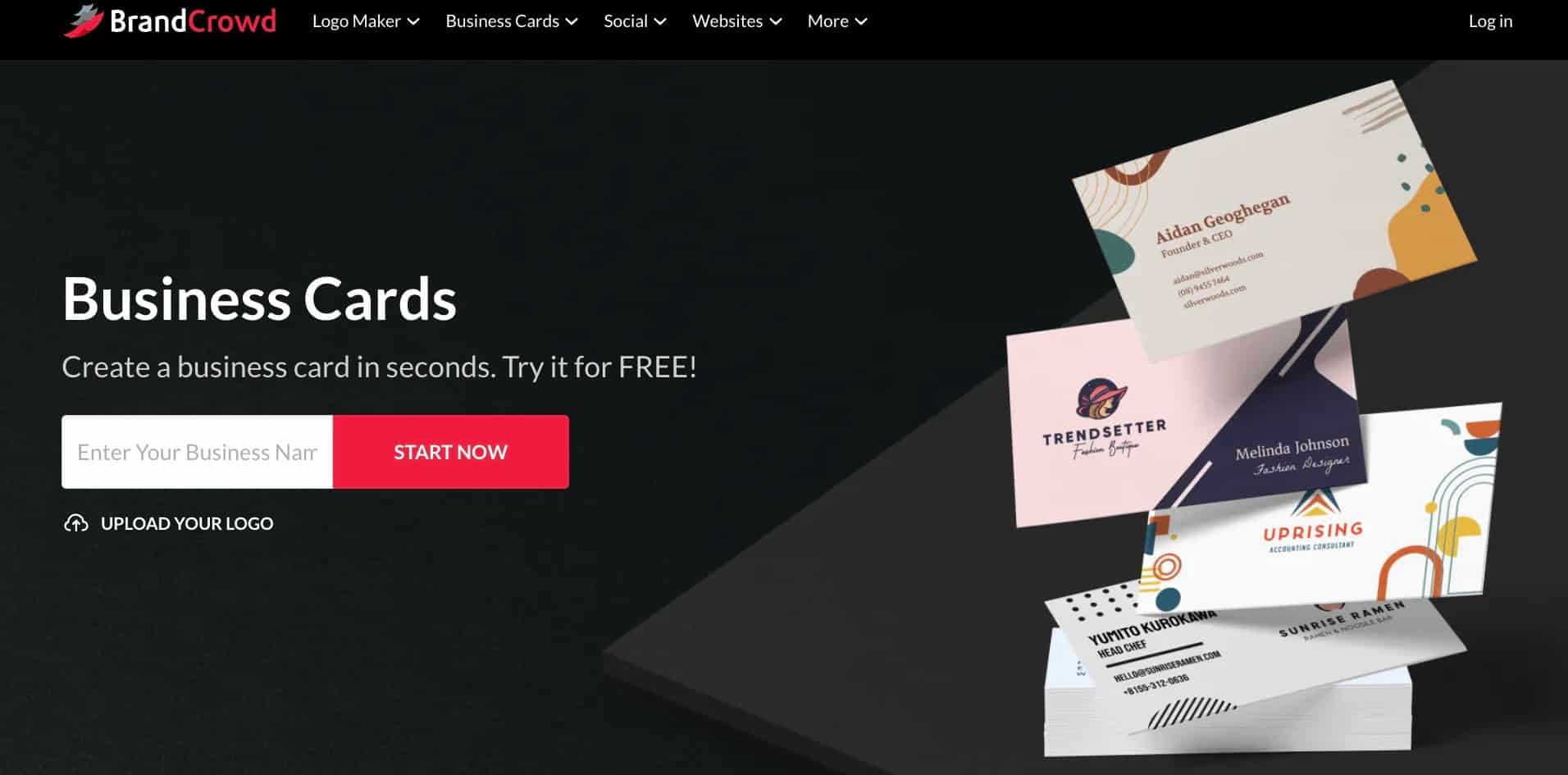
- Instant Professional Designs: Type in your business name, add your logo, and BrandCrowd gets to work straight away. The layouts are crafted by professional designers, so your first impression is polished and on-brand from the first result.
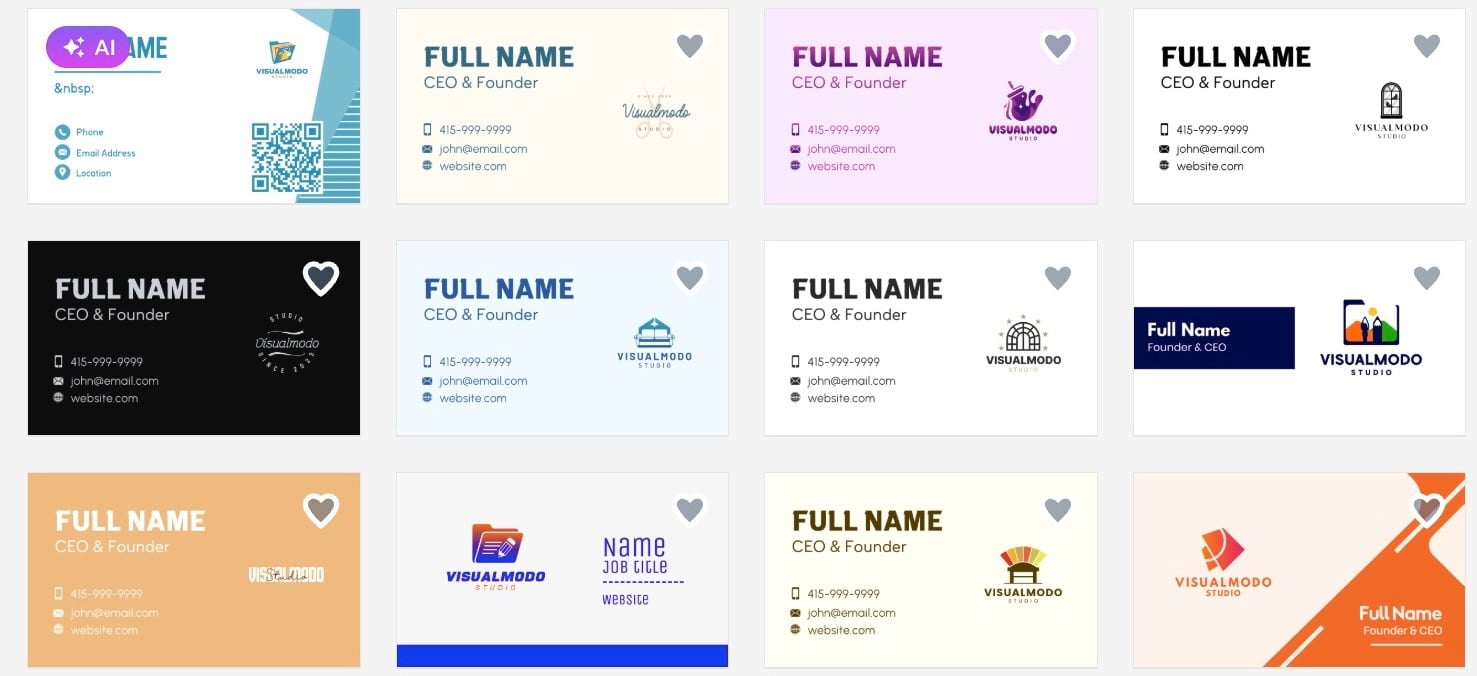
We tested this ourselves to see how quickly a usable card comes together. The turnaround was faster than expected, and the quality held up without needing much adjustment.
Here’s what came out on the first try.
- Free Business Card Templates: Not sure where to start? Browse a selection of free templates, play with the colors, fonts, and layout, and find the look that feels right before committing to anything.
- 3,000+ Templates Across Every Industry: The library runs deep, with over 3,000 business card templates and industry-specific layouts, all part of a wider ecosystem of 579,000+ total design templates built for every type of business and professional.
- Full Creative Control: Every detail is yours to change. Fonts, colors, layouts, icon placement, backgrounds, typography. With unlimited edits available under your subscription, your card always ends up looking exactly how you want it.
- 50+ Design Tools and 750+ Fonts: BrandCrowd puts over 50 creative tools in your hands, covering everything from business cards and posters to flyers and social media posts. Pair that with access to 750+ fonts, including 525+ exclusive options, and you have everything you need to build a brand that looks entirely your own.
- Built-In Brand Consistency: The moment you create a new asset, your logo, colors, and fonts follow automatically. Business cards, posters, social posts, your whole brand stays locked in and consistent across every touchpoint without any extra effort.
- Free Worldwide Print Delivery: Once your card is ready to go, BrandCrowd takes care of the rest. Your finished design gets shipped directly to your door, anywhere in the world, completely free of charge.
- Professional File Formats: Download high-resolution, print-ready files in vector formats including SVG, EPS, and PDF, with all your designs stored securely in your account for edits and access anytime.
Best for businesses that:
- Need a professional result quickly without compromising on quality
- Want full creative control over every detail of their card
- Are building a brand and need their assets to stay consistent across the board
Verdict: BrandCrowd delivers where it counts. The template quality is high, the editing tools give you real control, and the brand consistency features mean your card never feels disconnected from the rest of your identity. For founders who want speed without sacrificing polish, it is one of the strongest options on this list.
3. Adobe Express — Best for Adobe Users Canva Alternatives for Business Card Design
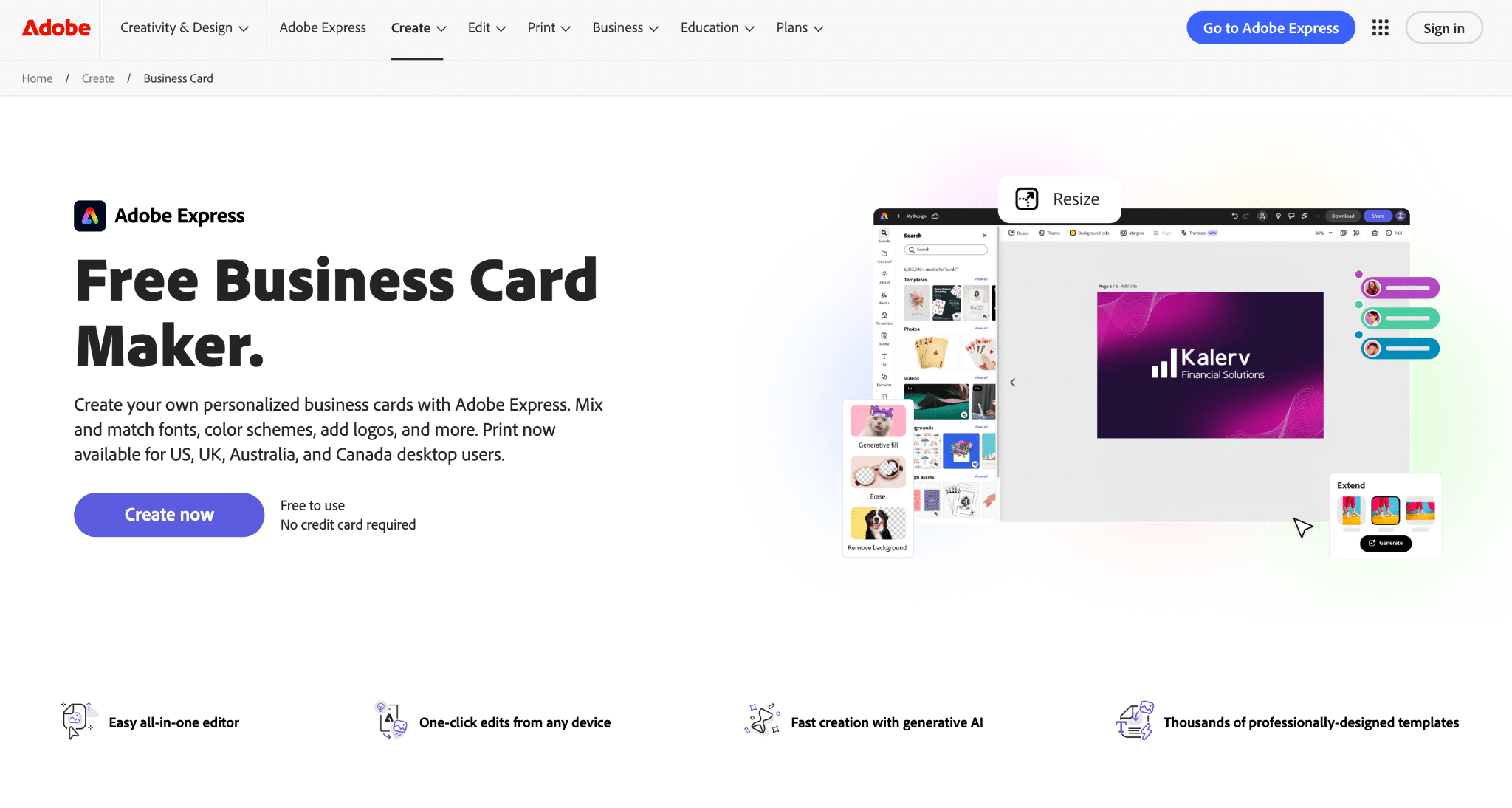
The Adobe Express is exactly what you would expect from a company with Adobe’s background, polished and structured. As a free business card maker, this platform sits in an awkward spot where it is capable enough to get the job done without being essential when stronger free options exist.
Features:
- Familiar Adobe Feel: If you have spent any time in Photoshop or Illustrator, Adobe Express will feel like home. The design sensibility carries through, and the templates reflect that same clean, structured approach Adobe is known for.
- Decent Template Selection: The library covers a reasonable range of styles, though it thins out quickly once you move past the most common directions.
- Reasonable Editing Tools: The controls are more layered than most free tools, which can feel like overkill for something as straightforward as a business card.
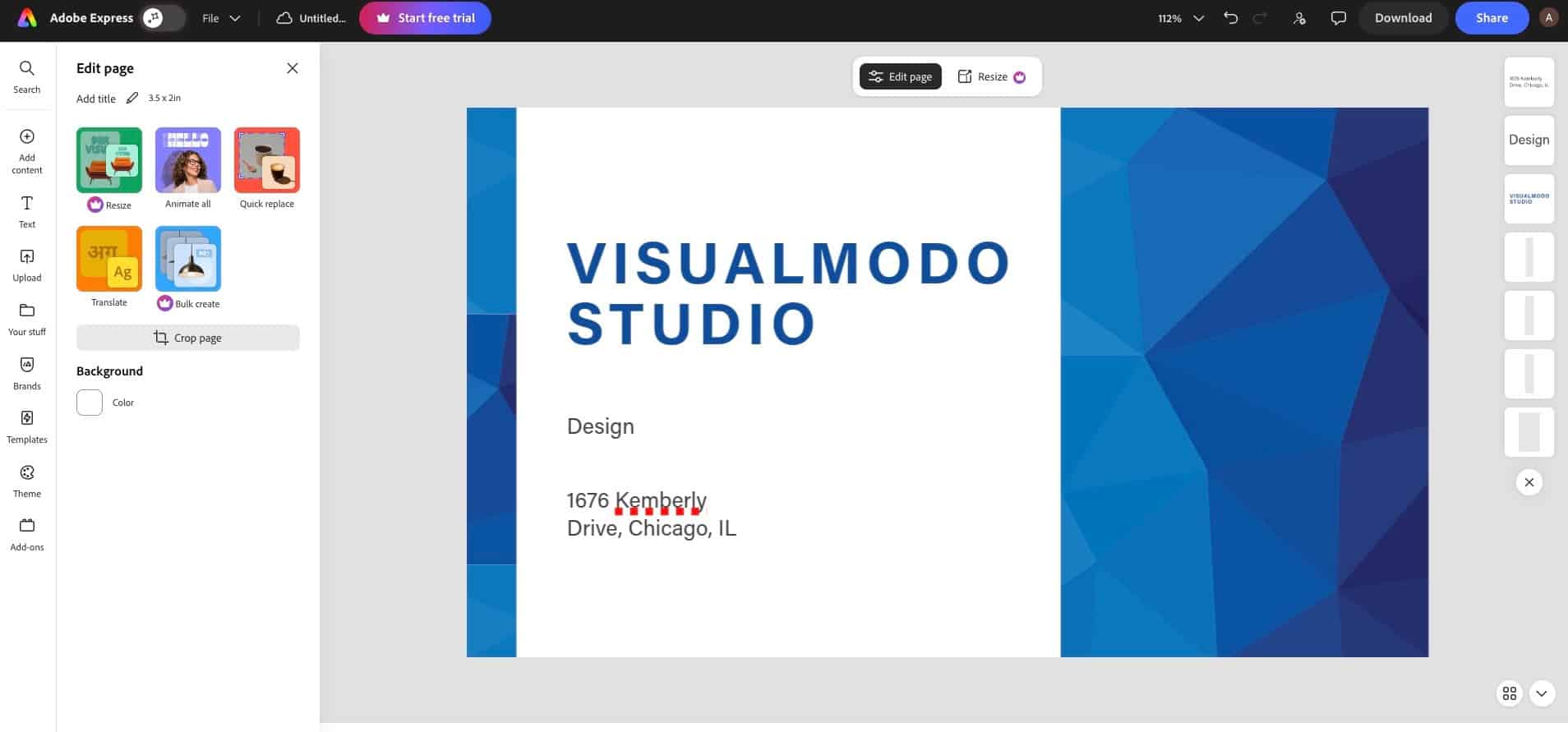
See what a finished card from Adobe Express actually looks like.
Best for businesses that:
- Are already embedded in the Adobe ecosystem and want to keep everything in one place
- Have some design familiarity and do not mind a slightly steeper learning curve
- Want clean, structured templates without needing a huge variety of options
Verdict: Adobe Express is a competent tool, but competent is about as far as it goes. Unless you are already deep in the Adobe ecosystem, there are better options on this list that will get you to a stronger result with less friction
4. VistaPrint — Best for Bulk Printing Canva Alternatives for Business Card Design
VistaPrint is one of the oldest names in the print industry, and that history shows in how the platform is built, with a process that prioritizes getting things printed over helping you design something worth printing in the first place.
Features:
- Functional Templates, Nothing More: The designs cover the basics and little else. They are not going to turn heads, and most carry a dated quality that feels out of step with what newer tools are producing. Fine for getting something printed, less useful if the design actually matters to you.
- Basic Editing Tools: The customization options are limited and the interface is not particularly intuitive compared to the other tools on this list. You can make changes, but do not expect much flexibility beyond the surface level.
- Wide Range of Print Products: Where VistaPrint does have an edge is in its print catalog. Beyond business cards, it covers flyers, banners, branded merchandise, and more. As a design tool it is thin, but as a print shop it is well stocked.
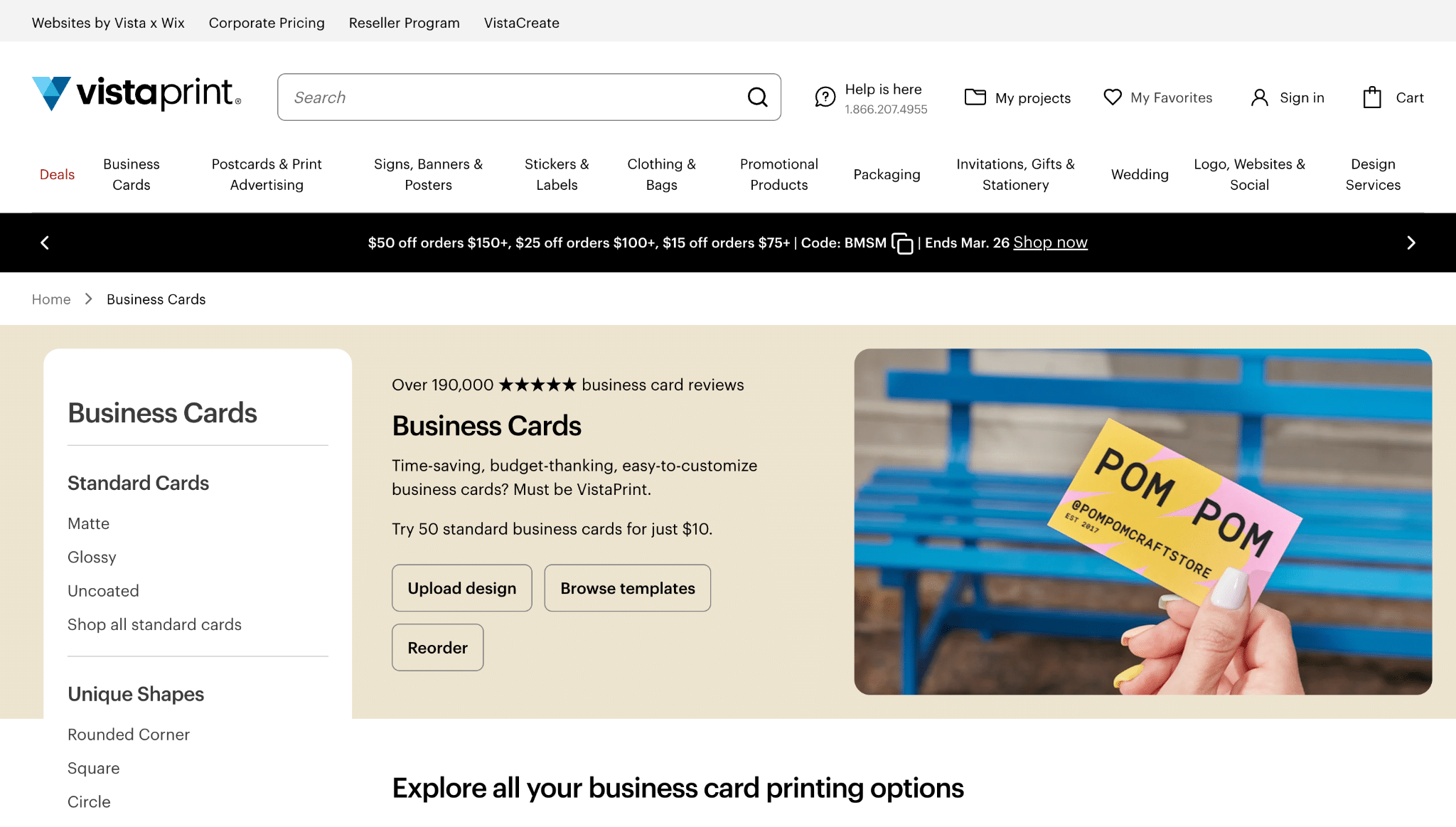
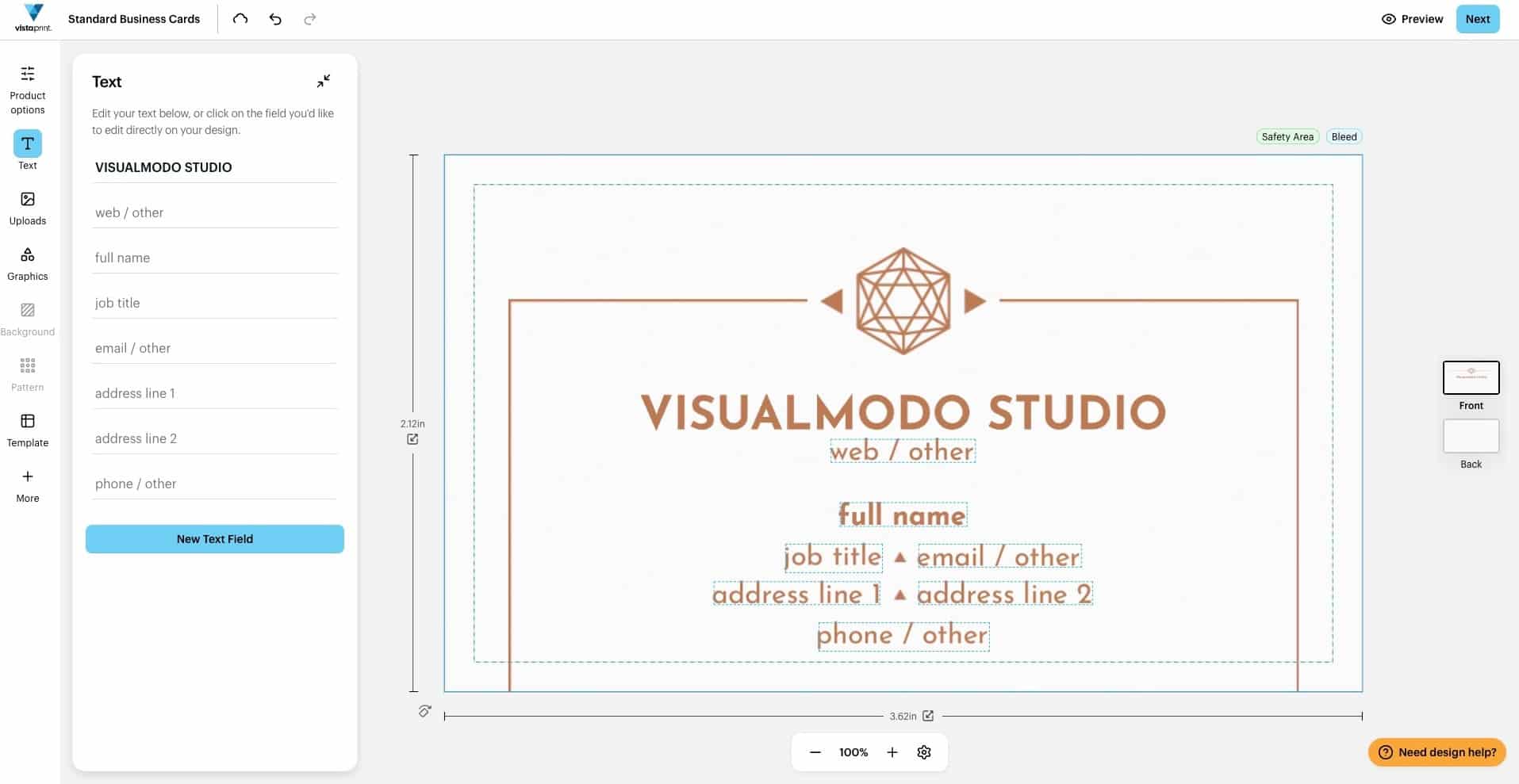
This is what a VistaPrint business card looks like before you do anything to it.
- Reliable for Bulk Orders: If you need a large quantity of cards printed on a budget and the design is already sorted, VistaPrint gets the job done dependably. That is its strongest use case, and it is worth knowing that going in.
Best for businesses that:
- Need bulk print orders fulfilled reliably and affordably
- Are not too concerned about design quality or creative flexibility
- Already have a finished design and just need it printed at scale
Verdict: VistaPrint is a tool you come to for design inspiration and when you already know what you want and need it printed in volume.
5. Moo — Best for Print Quality Canva Alternatives for Business Card Design
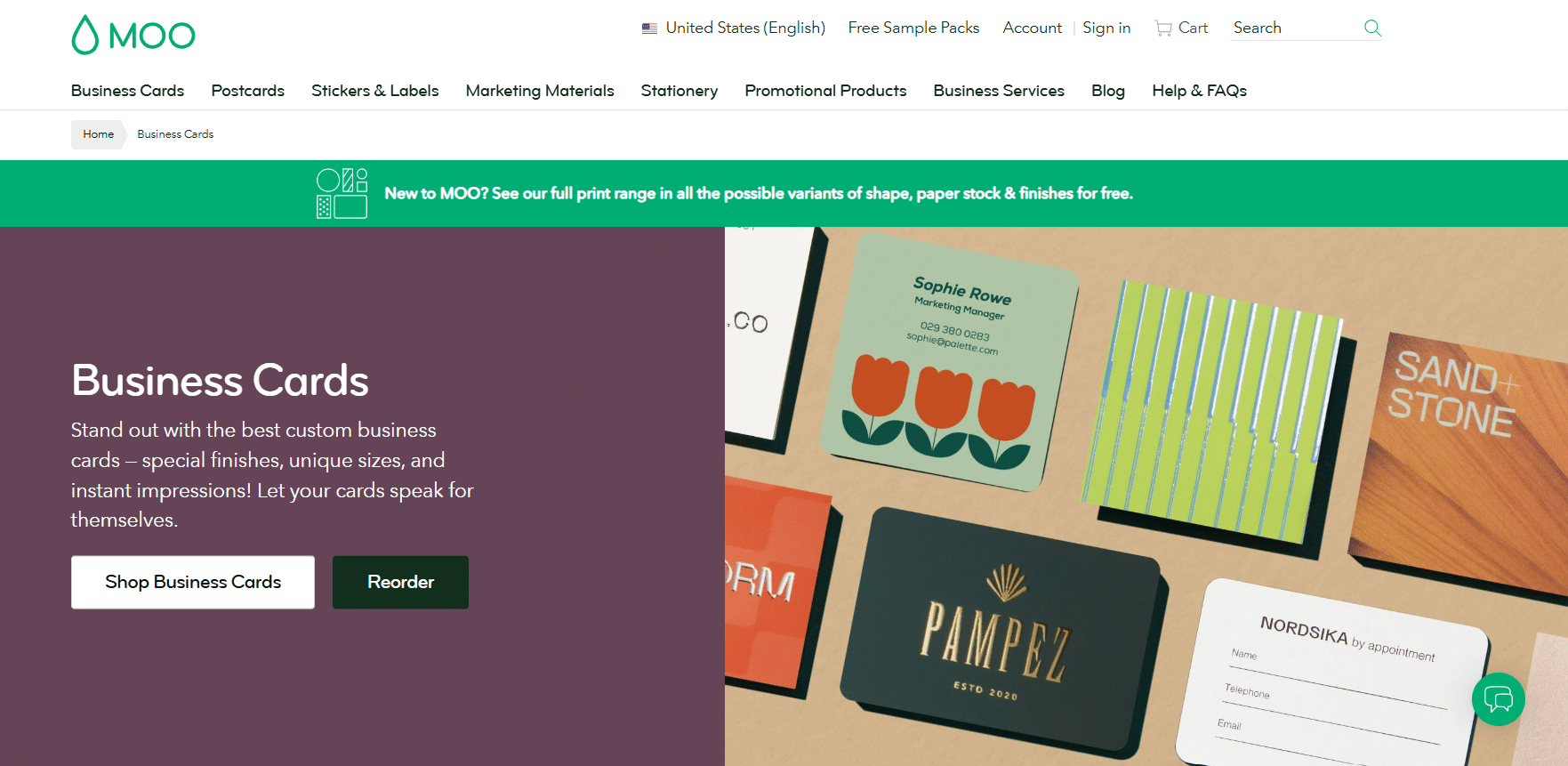
Moo has built its reputation on print, and that focus is obvious the moment you start using it, with an experience that is clearly designed around the finished physical card.
Features:
- Professional but Limited Templates: The designs are clean and corporate-leaning, but the library is noticeably smaller than every other tool on this list. You will find something presentable, though the range is thin and the variety in style is limited.
- Finish Options That Actually Matter: From soft touch to spot gloss, Moo gives you finish choices that go beyond the standard.
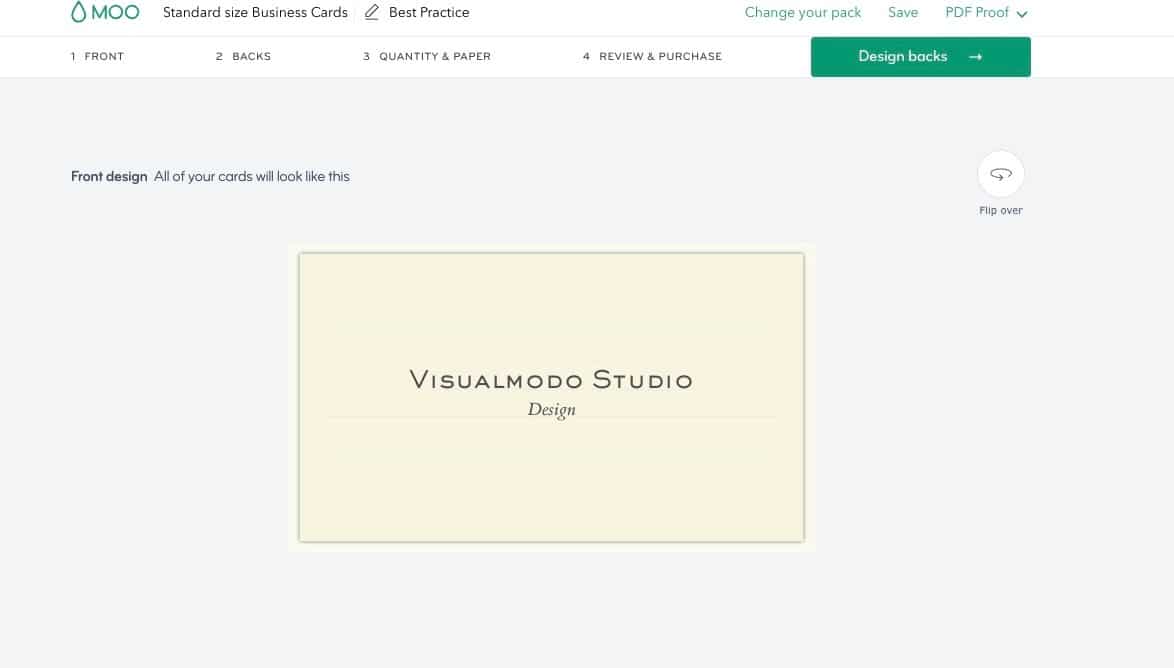
Take a look at what a template looks like when you’re going through your options.
Best for businesses that:
- Prioritize the quality of the physical card over design variety
- Want premium paper stock and finish options
- Are happy to trade creative flexibility for a superior printed result
Verdict: Moo does one thing and does it well. The design experience is not going to impress anyone, but the finished card might.
Final Thoughts
Not every Canva alternative on this list is trying to do the same thing.
Some are built for speed, some for print quality, and some for founders who want their card to feel like part of a broader brand rather than a standalone design. The right alternative depends on what Canva was not giving you in the first place.
But if you are thinking about the bigger picture, a business card works best when it does not exist in isolation. It should match your logo, reflect your brand colors, and feel consistent with everything else your business puts out into the world.
Most Canva alternatives on this list can get you a card but Design.com can help you build the brand around it. If that matters to you, it is the one worth starting with.