Start With the Job the Video Has to Do
Most website videos fail for the same reason: nobody decided what the video was supposed to accomplish before the camera came out. A homepage hero loop, a product demo, and a customer testimonial each have a different job, and each belongs in a different spot on the page.
Before you drop a video block into a WordPress template, answer three questions:
- Who is watching? A first-time visitor scanning the homepage behaves differently from a buyer comparing options on a service page.
- What should they do next? Book a call, start a trial, request a quote. The video should point at one action, not five.
- How long will they give you? Hero loops get a few seconds. Service page explainers can earn a minute or two. Case study videos can run longer because the viewer chose to press play.
Match the Video Type to the Page
Homepage hero
A short, silent, looping background clip sets the tone and shows what you do without asking for attention. Keep it under 15 seconds, skip on-screen text that competes with your headline, and make sure the headline and call to action still read clearly over the footage.
Service and product pages
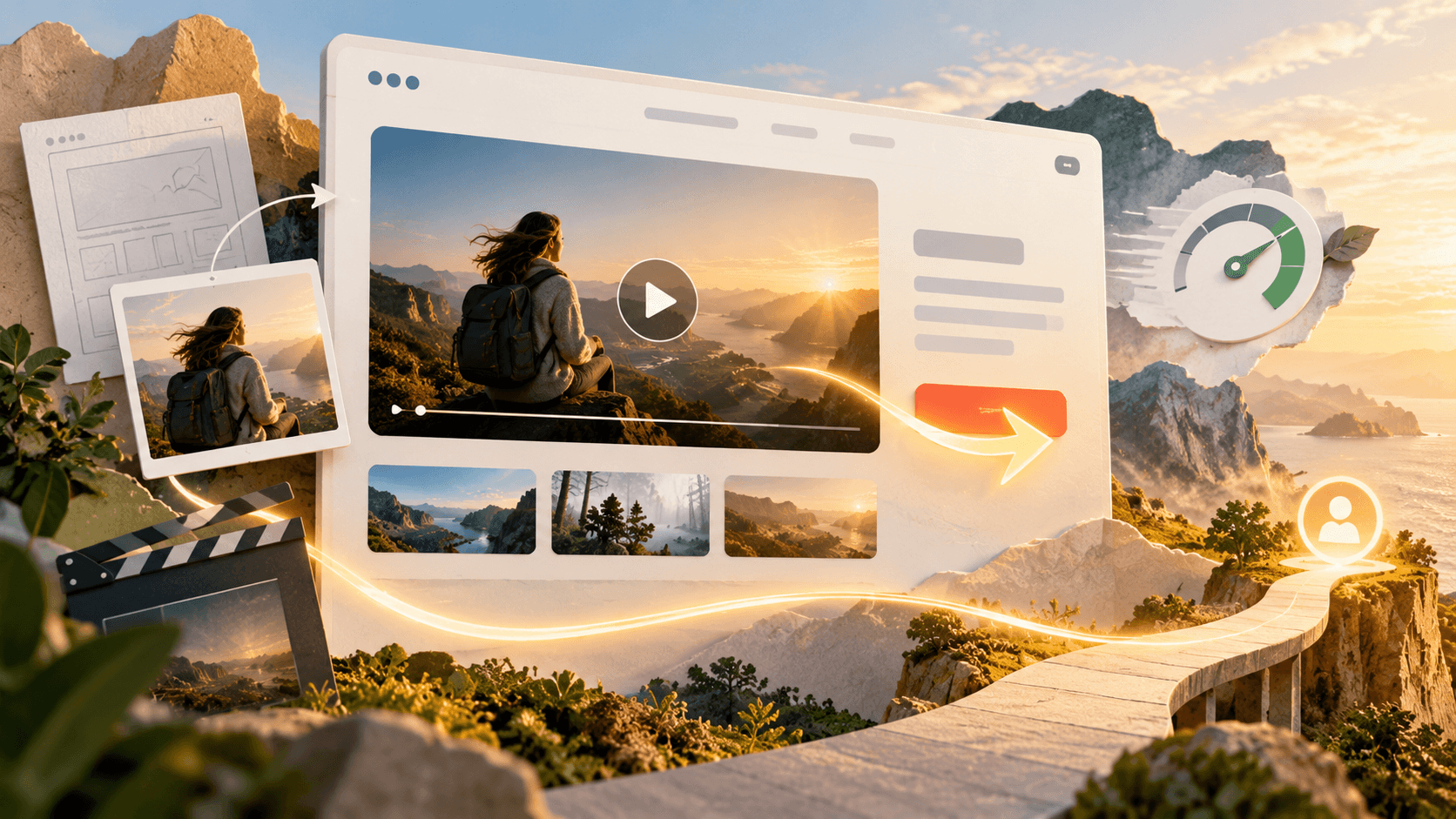
This is where a narrated explainer or demo earns its place. Put it near the top of the page, beside the copy it supports, with a clear thumbnail and a play button. Visitors on these pages are already interested, so a 60 to 90 second video that answers their main questions can do more than another paragraph of text.
About and trust pages
Team introductions, behind-the-scenes clips and customer testimonials build trust. Real people on camera answer the question every buyer has: who am I actually going to work with?
Plan the Shoot Around the Layout
Web designers and video teams often work in separate rooms, and it shows. The footage arrives in the wrong aspect ratio, the subject sits exactly where the headline needs to go, or the clip has no clean loop point.
The fix is to share the wireframe before production starts. A good crew will frame shots with negative space for text, capture extra footage for loops, and deliver both horizontal and vertical versions so the same shoot covers desktop, mobile and social. When businesses brief a video production company in Dallas or anywhere else, the strongest briefs include the page mockup, the exact placements and the aspect ratio each one needs.
Protect Page Speed
Video is the heaviest asset most sites will ever load, and a slow page undoes whatever the video was meant to achieve. A few habits keep performance in check:
- Use a poster image. Show a lightweight still frame until the visitor interacts, so the page renders quickly.
- Lazy load anything below the fold. There is no reason to load a testimonial video at the bottom of the page before someone scrolls to it.
- Compress hero loops hard. A silent background clip does not need high bitrate audio or a large file. Short, muted, modern codecs and a sensible resolution go a long way.
- Choose hosting deliberately. Self-hosting gives you full control over the player and branding. Platforms like YouTube or Vimeo handle streaming and bandwidth for you, at the cost of some control over what appears around the player.
Make Video Accessible and Searchable
Captions are not optional. Many visitors watch with the sound off, and captions make the content usable for people who are deaf or hard of hearing. Add a transcript or a short written summary beside important videos too. It helps visitors who prefer to skim, and it gives search engines text they can understand.
For key videos, add structured data so search engines know what the video is about, how long it runs and where the thumbnail lives. Give each video a descriptive title and a real thumbnail instead of a random frame.
Write the Call to Action Into the Video
The last few seconds of a video are prime real estate. If the page asks visitors to book a consultation, the video should end on that same request, and the button should sit directly below the player. Consistent messaging between the video, the copy and the button removes friction at the exact moment a visitor is most engaged.
Measure What Happens After Play
Play counts are a vanity metric on their own. Track what visitors do after watching: scroll depth, clicks on the call to action, form submissions and time on page. Compare pages with video against similar pages without it. If a video is not moving those numbers, test a shorter cut, a different thumbnail or a new placement before you write video off.
Bringing It Together
Video works best on a website when it is designed into the page instead of added at the end. Decide the job first, match the format to the page, brief the production team with the actual layout, and protect speed and accessibility along the way. Do that, and video stops being decoration and starts doing real work for the business.