HubSpot is known as one of the best CRM tools available. However, its email signature generator may be too basic to reflect your brand. Fortunately, there are alternative platforms that are more than capable of creating an email signature for you that will align with your logo, colors, and overall branding. In this article we’ll share and revieek the top seven HubSpot email signature generator alternatives for design-forward professionals.
In this guide, we round up seven email signature generators that you can use in HubSpot’s space. Every platform in this list can also cater to everyone, regardless of whether you’re a small business owner, entrepreneur, sales professional, or freelancer.
How the 7 HubSpot Email Signature Generator Alternatives Compare
Before we dive into each platform, here’s a quick look at all the platforms included in this list:
| Platform | Best For | Free Tier | Design Focus |
| Design.com | Full branding | Yes | High |
| BrandCrowd | Brand-first design | Yes | High |
| Canva | Teams in the Canva ecosystem | Yes | High |
| Adobe Express | Design professionals | Yes | High |
| WiseStamp | Sales teams | Limited | Medium |
| MySignature | Speed and simplicity | Limited | Low |
| Newoldstamp | Teams at scale | Limited | Medium |
Who This Guide Is For
This guide is for anyone looking for email signatures that are more design-forward than what HubSpot can provide. This includes:
- Small business owners – To have an email signature that’s consistent with their existing branding.
- Teams and organizations – To have a unified, branded signature across all their communications.
- Sales and marketing professionals – To make an impact with every email they send throughout the day.
- Freelancers and solopreneurs – To have a polished email signature that represents their work when communicating with clients.
How The Alternatives Were Evaluated
The ranking in this list is based on the following criteria:
- Template variety – Does the platform offer a wide range of professionally designed templates to create a high-quality, modern email signature?
- Design quality – Will the finished product look generic or distinctive?
- Ease of use – Can beginners and non-technical users navigate the platform easily?
- Brand integration – Can the existing logo and other brand elements be added to the email signature?
- Free and paid plans – How much value can users get with a free plan?
- Compatibility – Will the email signature work smoothly across major email clients?
The 7 HubSpot Email Signature Generator Alternatives
1. Design.com: Best Overall HubSpot Alternative

Design.com takes the crown as the best alternative to HubSpot’s email signature generator, combining an easy-to-use workflow with a powerful AI branding ecosystem. While known as the best logo generator, Design.com also has design tools that go beyond logo creation. One of these tools is the Email Signature Maker.
Using a sample design agency called “Pixel Palette Studios,” we generated a logo with Design.com’s Logo Generator and used it to create some email signature designs:


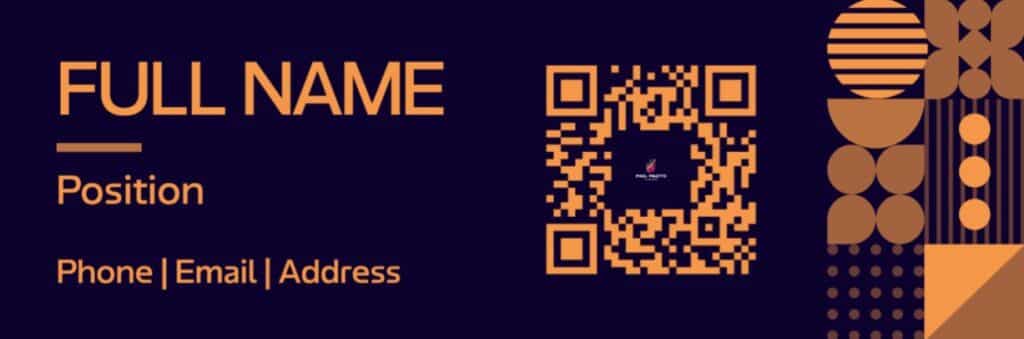
What makes it stand out:
- Instant AI generation: Generate professional, modern email signatures in seconds with just your business name and industry-relevant keywords.
- Massive design library: Offers a large collection of exclusive, professionally designed assets (400K+ logos and 1M+ design templates), suitable for businesses from a variety of industries.
- Easy-to-use editing interface: Customize the fonts, colors, and layouts of your chosen email signature template using the intuitive drag-and-drop editor without any design skills needed.
- Clickable links and contact information: Add social media icons, phone numbers, email addresses, and more that will link to your pages.
- Mobile-friendly formatting: Works perfectly well with Gmail, Outlook, Apple Mail, and other major email clients.
- Multiple file downloads: Export your finished email signature as PNG/JPG (for web and email) or PDF/EPS (for print).
- Commercial-safe designs: All email signatures created in the platform are safe to use.
- Branding integration: Automatically applies your logo and its brand elements to your email signature to maintain brand consistency.
- Full branding ecosystem: Access 50+ branding tools and make other branded assets like business cards, presentations, letterheads, posters, flyers, social media graphics, websites, and more.
Pricing:
- Free: Generate, customize, download, and use email signatures and other branded assets using the free templates. Access all editing tools and export finished designs in all formats.
- Premium ($3/month billed annually): Full access to premium design assets and 50+ design tools (except Website Builder).
- Premium Design Pack + Website ($6/month billed annually): Everything in Premium plus full access to the Website Builder.
Best For: Small business owners, entrepreneurs, and freelancers who want an email signature that will blend seamlessly into their existing brand identity.
2. BrandCrowd: Best for Brand-First Design
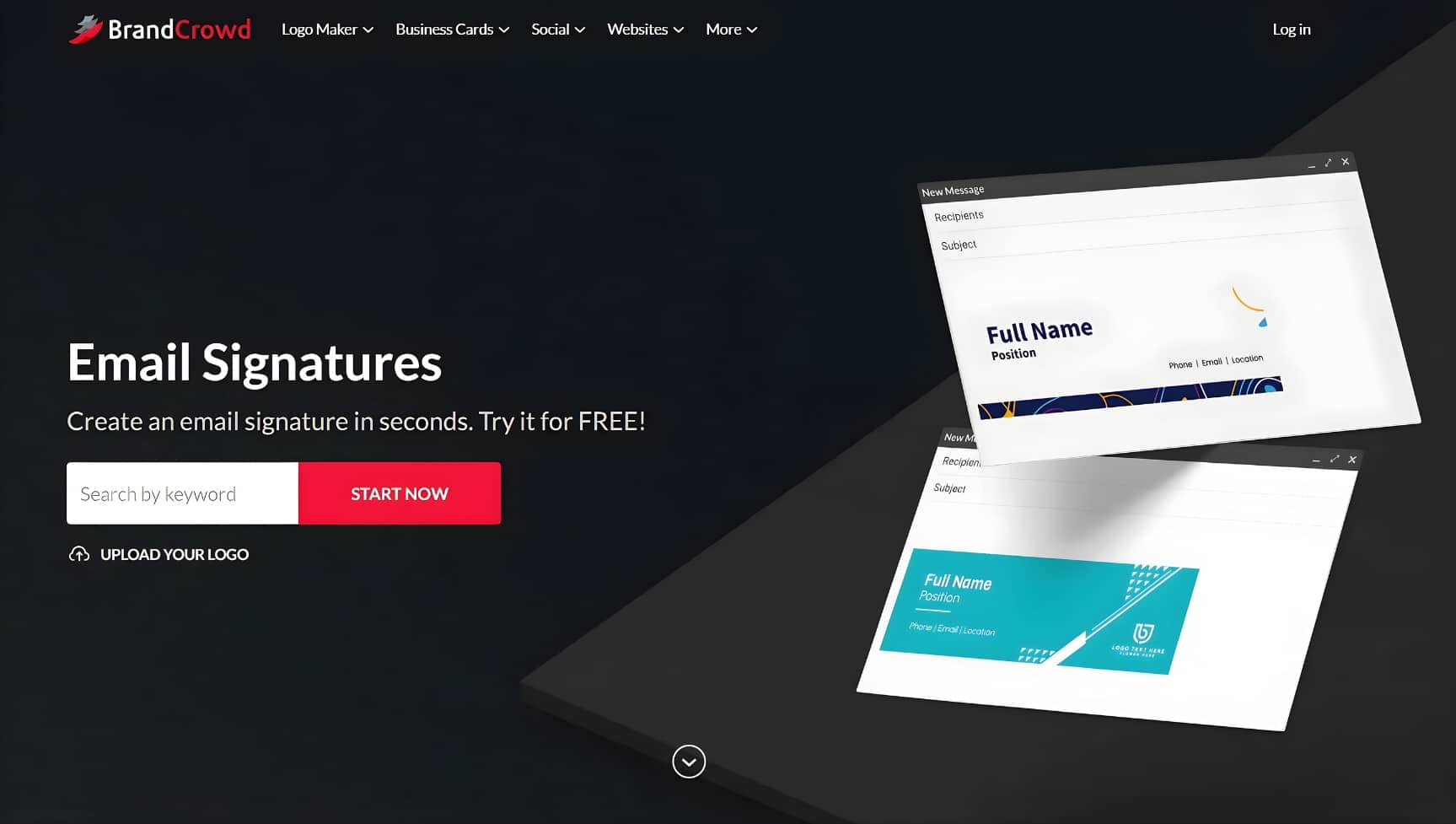
Another trusted platform for branding is BrandCrowd. Like Design.com, it’s also known for its logo maker. However, it also features other design tools that let you build your whole brand identity, so you can use it to create email signatures, business cards, social media graphics, print ads, websites, and more.
Using the same sample design agency, here’s an email signature generated with BrandCrowd:

What makes it stand out:
- Instant AI generation: Combines AI with its collection of email signature templates to generate designs seconds after you input your business names and industry-relevant keywords.
- Full customization features: Customize your chosen email signature template by changing its fonts, colors, icons, and layouts.
- Branding integration: Upload your existing logo or create one with BrandCrowd Logo Maker, and the platform automatically adopts it into your email signature for uniformity.
- Multiple file options: Download your email signatures as high-resolution files (PNG, JPG) or vector files (PDF, EPS).
- Access other branding tools: Create additional brand assets using other design tools inside the BrandCrowd platform.
Pricing:
- Free: Generate, customize, download, and use email signatures using the free templates.
- Paid plans (Starts at $3/month billed annually): Full access to premium templates and other branding tools.
Best For: Business owners who want all their branding assets to be visually cohesive from their logo to their email signature.
3. Canva: Best for Teams Already in the Canva Ecosystem: HubSpot Email Signature Generator Alternatives
Canva has been the most widely used design platform in recent years. A huge number of marketing teams rely on this tool for their branding assets, including email signatures. However, it doesn’t have a dedicated email signature generator like Design.com and BrandCrowd, so Canva-made email signatures may need additional steps to use them on email clients.
Here’s a sample Canva email signature:
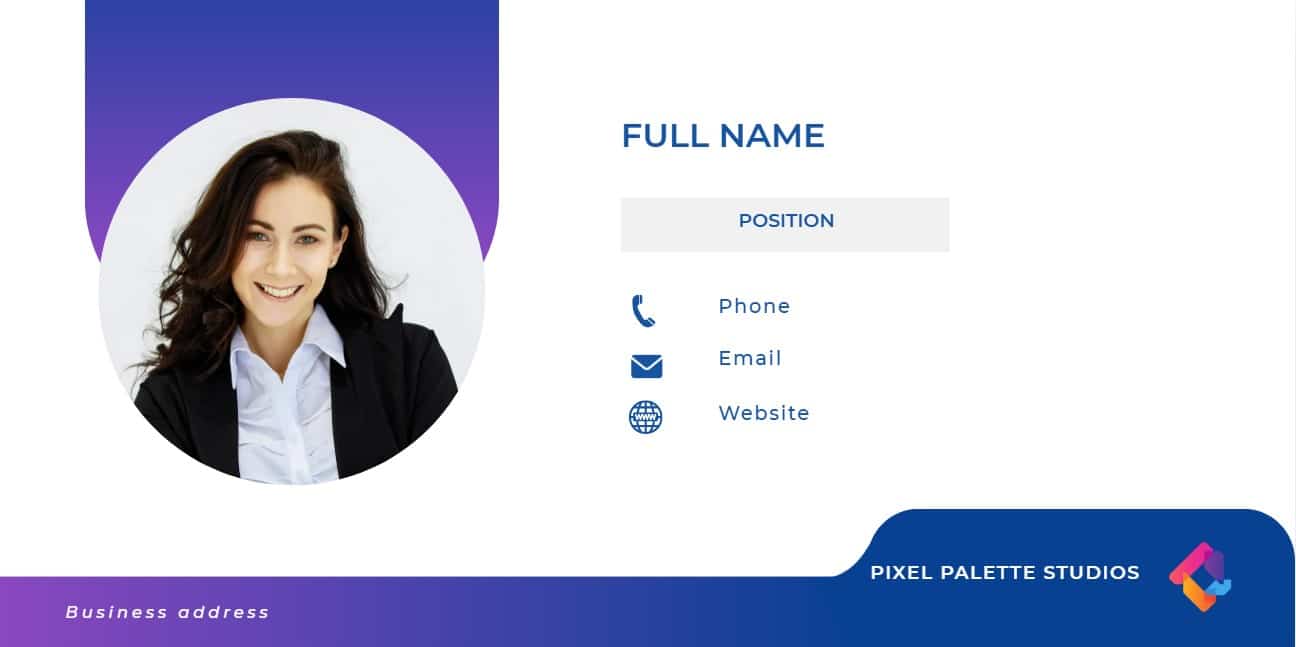
What makes it stand out:
- Wide template variety: Access a huge library of email signature templates that you can customize (some templates may require a Canva Pro subscription).
- Beginner-friendly drag-and-drop editor: Customize your chosen template by changing the fonts, colors, and layout without needing professional design skills.
- Brand Kit (Canva Pro): Save your logos, fonts, color palettes, and other marketing assets in one place for consistency.
- Collaboration tools: Work with your team members in real time to create designs together.
Pricing:
- Free: Create email signatures and other marketing materials using free templates and customize them using basic editing tools.
- Pro ($15/month or $120/year): Full access to premium templates, Brand Kit, background remover, and AI tools.
- Teams ($10/seat/month billed annually): Get a minimum of three seats and access to advanced collaboration tools and approval workflows.
Best For: Businesses and marketing teams that have been using the Canva ecosystem already for their marketing assets.
4. Adobe Express: Best for Design Professionals: HubSpot Email Signature Generator Alternatives
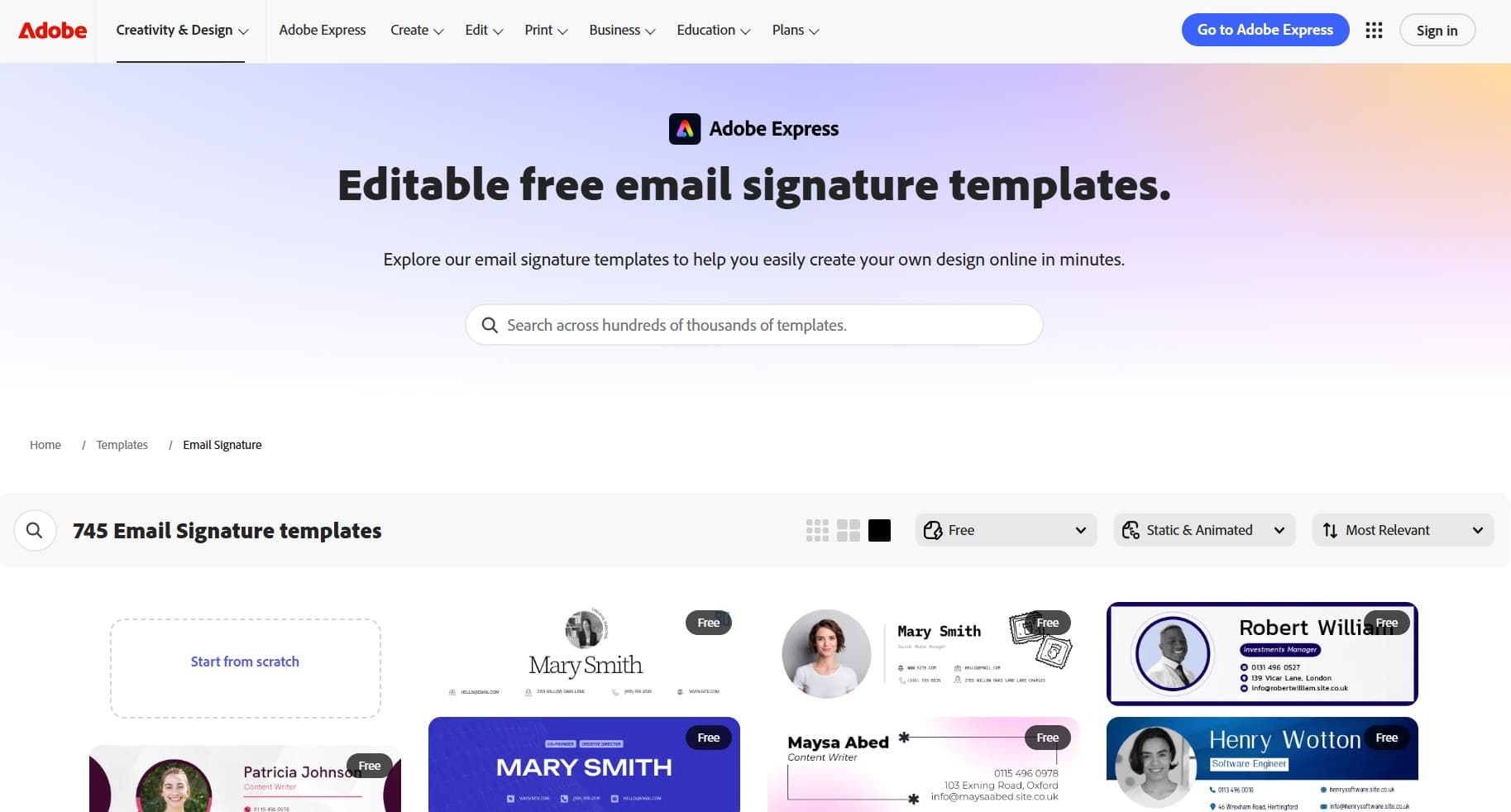
Adobe Express is Adobe’s way of making its sophisticated design software more accessible to beginners and non-technical users. It’s integrated with Photoshop and Illustrator, so you’ll experience Adobe’s premium aesthetics in an easy-to-use interface. This is a suitable option for designers and creatives who have already worked with the Adobe ecosystem.
Here’s a sample email signature template from Adobe Express:
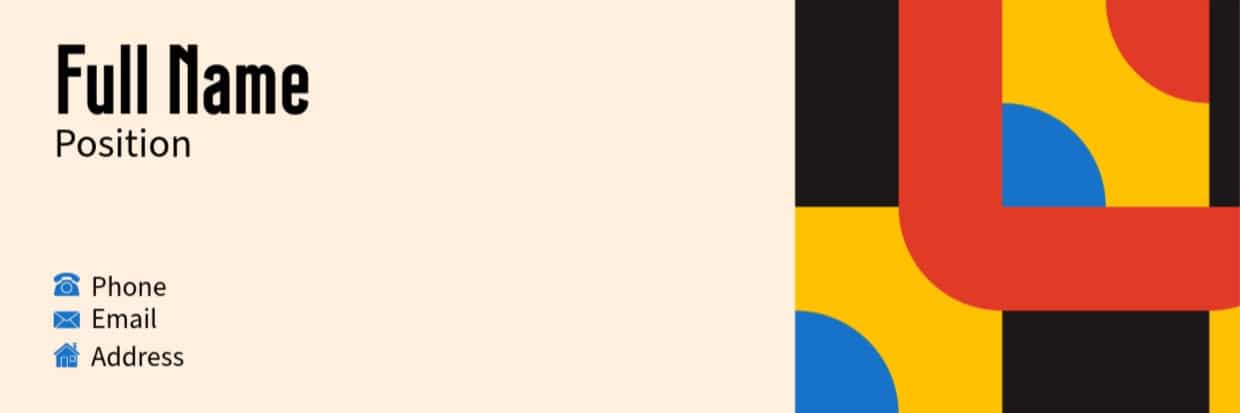
What makes it stand out:
- Adobe Fonts: Access 4K+ exclusive, high-quality fonts to create a distinctive email signature for your brand.
- Templates with Adobe’s premium design quality: Create email signatures and other designs that are clean, modern, and polished.
- Brand Kit: Store and apply your brand elements to all your branded assets for consistency.
Pricing:
- Free: Create email signatures and other assets using basic templates, standard editing tools, and 25 generative AI credits/month.
- Premium ($9.99/month): Get 250 AI credits/month and access the full template library, Adobe Fonts, Brand Kit, and 200M+ royalty-free Adobe Stock photos, videos, and design elements.
Best For: Creative agencies and professional graphic designers who have already experienced the Adobe ecosystem.
5. WiseStamp: Best Dedicated Tool: HubSpot Email Signature Generator Alternatives
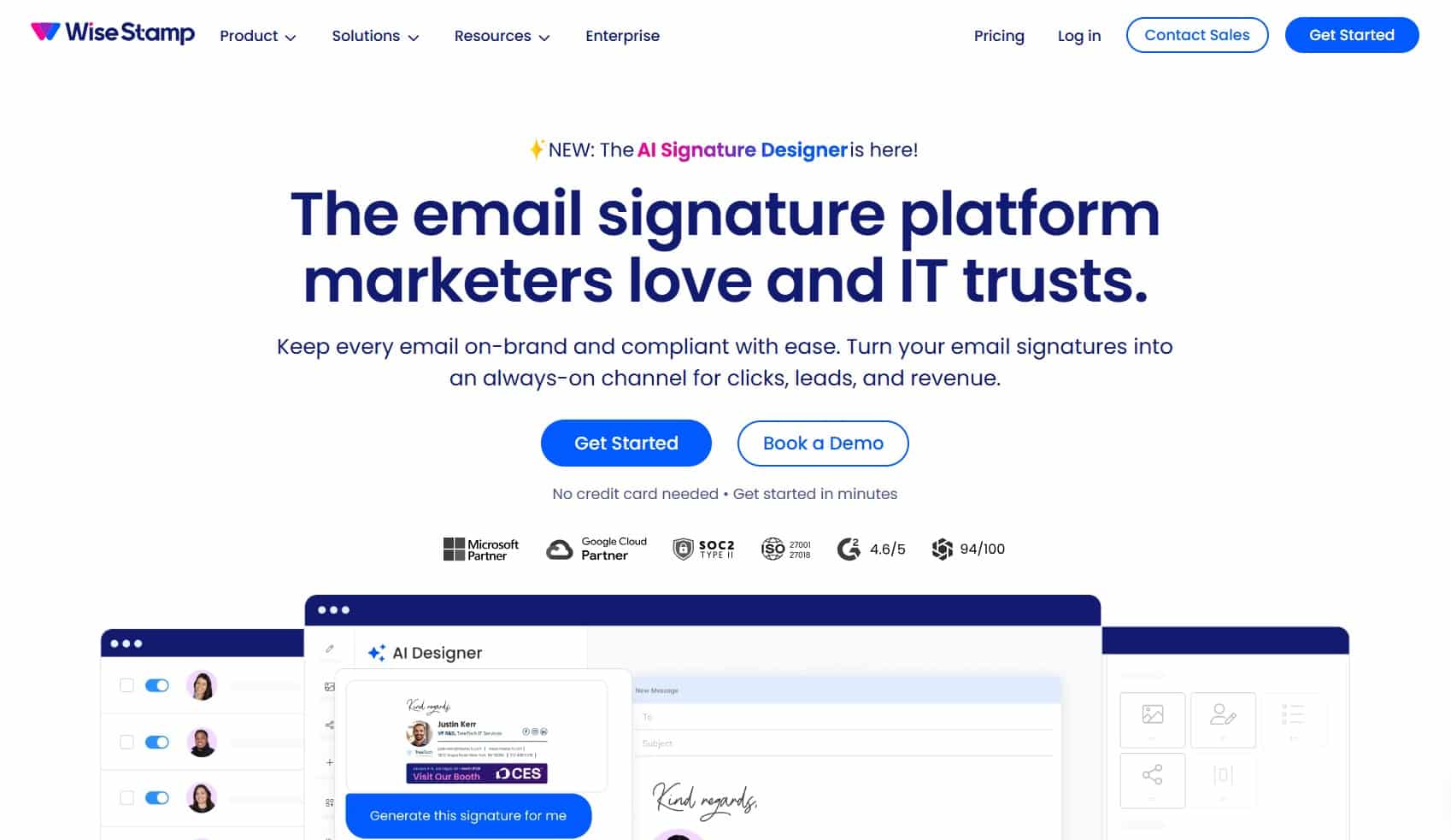
Unlike the first four platforms, WiseStamp is not a general design platform or a complete branding system. Instead, it’s solely a platform for creating and deploying email signatures. With more than 1.2 million users worldwide, it has established itself as a reliable email signature generator. However, it doesn’t have full customization features like Design.com and others.
What makes it stand out:
- Email signature-focused tool: Create email signatures with features that are dedicated to creating high-quality, on-brand, and reliable email signatures.
- Clickable links and contact information: Add social media links, call-to-actions, and promotional banners on your email signature.
- Compatible with major email clients: Integrates perfectly with Gmail, Google Workspace, Outlook, and Microsoft Office 365 Teams.
- Signature analytics (paid plans): Monitors clicks and engagement with your email signature.
Pricing: HubSpot Email Signature Generator Alternatives
- Free (14-day trial to all paid plans): Create email signatures using basic features. Final output has a WiseStamp watermark.
- Paid plans (Starts at $9/month billed annually): Add up to 10 team members ($2/mo each) and get full access to the AI Signature Designer, template gallery (use up to three templates), and one-click Gmail and Outlook sync features.
Best for: Sales teams and users who prioritize feature-rich signatures and ease of deployment over full customization functions.
6. MySignature: Best for Simplicity and Speed
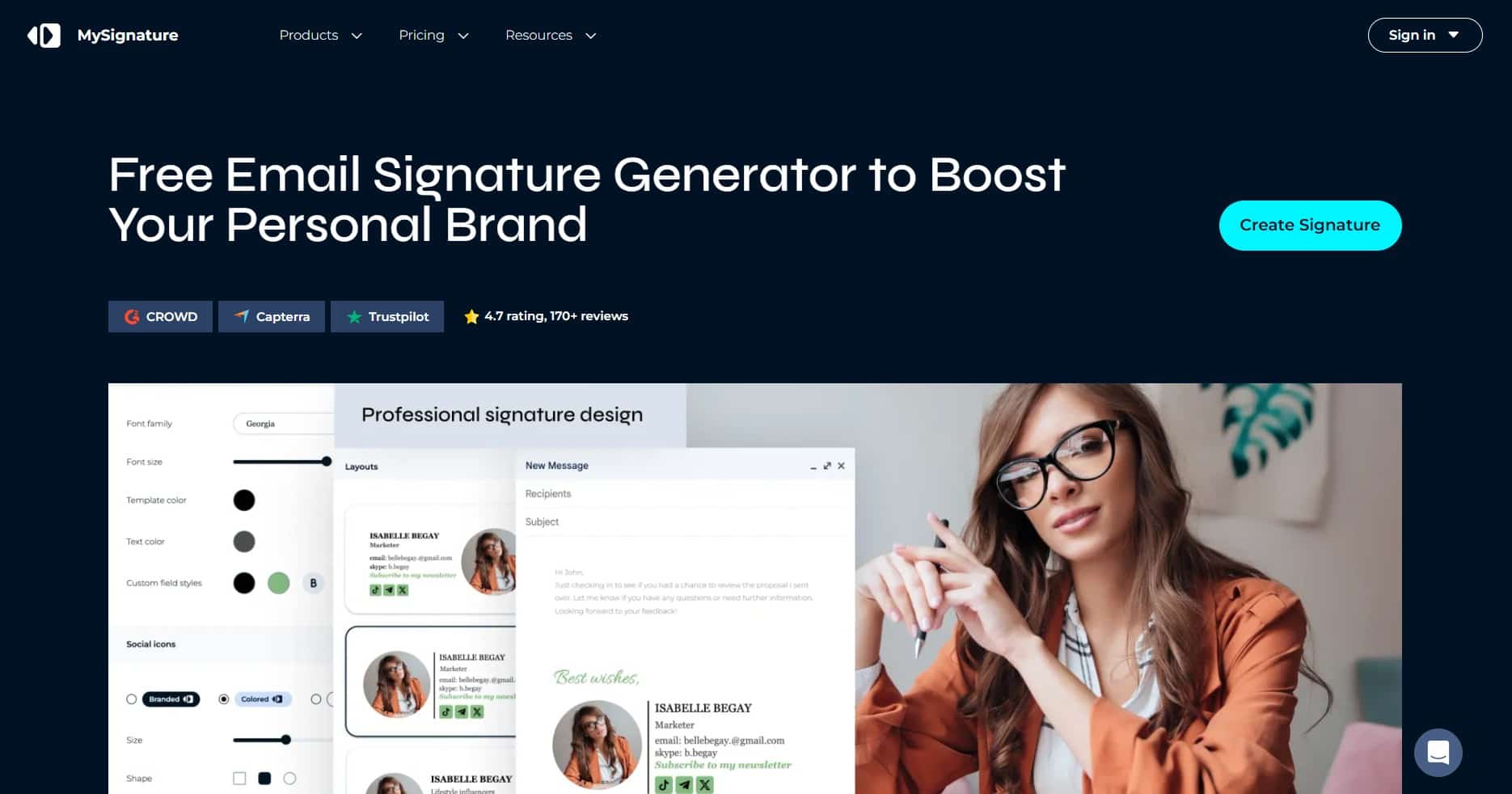
If you want a quick, professional email signature, MySignature may be the suitable platform for you. It has a limited template library without many design options. You won’t have any deep customization functions, either. Still, it’s a reliable email signature generator if you prioritize speed and simplicity.
What makes it stand out:
- Basic interface: Create your email signature with no learning curve required. Just pick a template, add your profile photo, and fill in your contact details and social media links.
- Compatible with most email clients: Works well with Gmail, Outlook, Apple Mail, and others.
- Other branding tools: Access other tools for digital business cards, link-in-bio pages, email tracking, and signature analytics.
Pricing:
- Free: For beginners and basic signature creation.
- Paid plans (Starts at $12/month): Access full features, analytics, and team management features.
Best for: New freelancers and solopreneurs who only need a clean, professional email signature for their communications with their first clients.
7. Newoldstamp: Best for Big Teams and Organizations
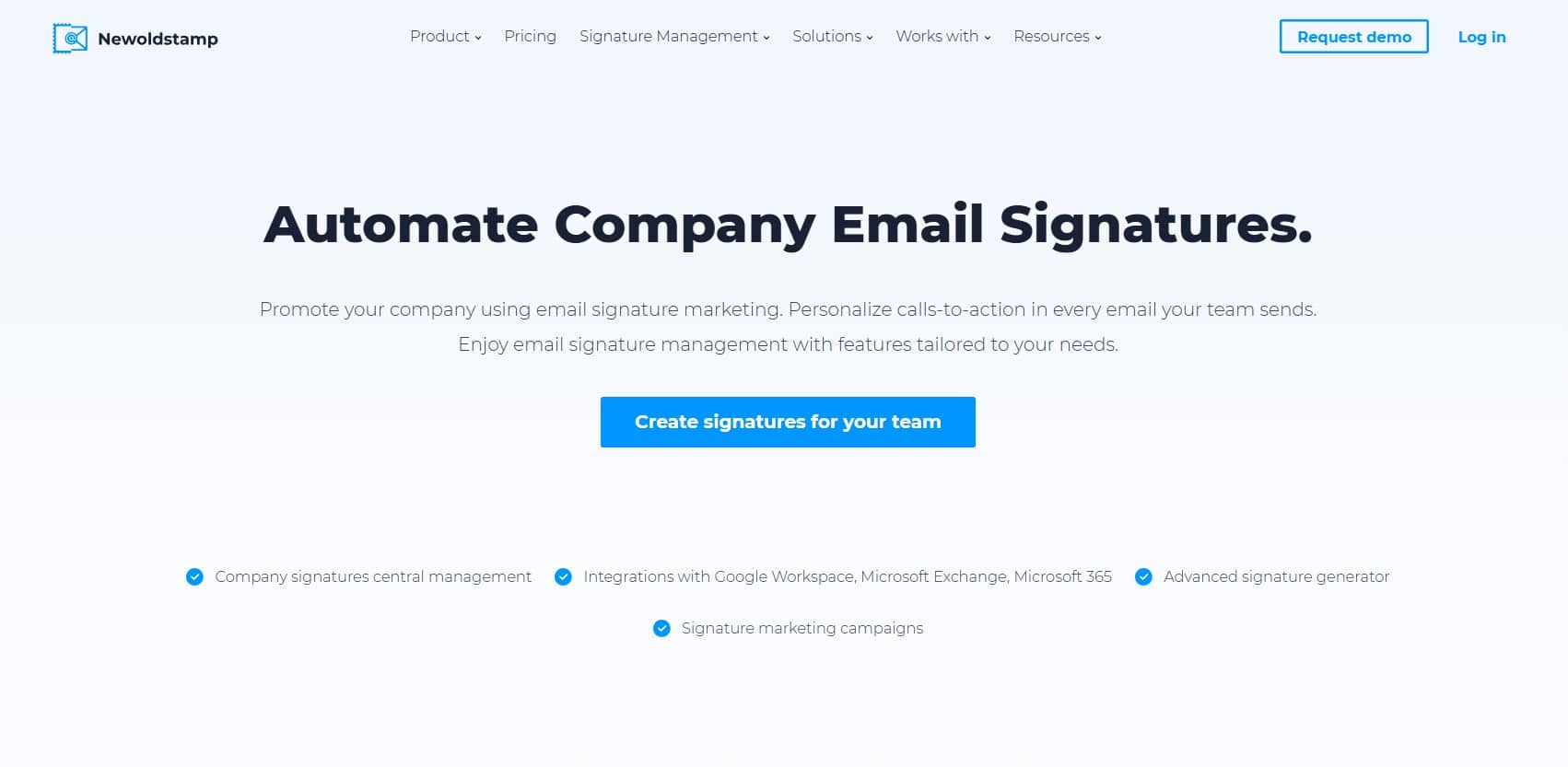
Newoldstand is the only HubSpot email signature generator alternative in this list that specializes in big organizations. It allows them to manage email signatures across the entire company. It follows a per-signature pricing scheme, making it appear as the most expensive option, but it’s worth it if you prioritize centralized control and analytics.
What makes it stand out:
- Centralized email signature management: Update email signatures and promotional banners in your organization from your dashboard to ensure consistency and efficiency.
- Signature analytics: Track clicks and banner engagement on all email signatures in your team.
- Google Workspace and Microsoft Office 365 integration: Simplifies collaboration and email signature management process.
Pricing: HubSpot Email Signature Generator Alternatives
- Free (7-day trial): Access all features to create and edit unlimited email signatures only. To use the email signatures made during the free trial, a subscription is required.
- Paid plans (Starts at $1.80/signature/month billed annually; pricing scales by team size): Full access to the email signature generator, centralized team management, Google Workspace and Microsoft Office 365 integration, promotional banners for campaigns, and in-depth analytics features.
Best for: Large organizations, marketing and HR teams, and company admins who are tasked with managing and tracking all email signatures used within the company.
Why Design.com’s Email Signature Maker Is the Best Choice
While HubSpot’s email signature generator does the job, it may not be enough if you want your email signature to do more for you than just sit at the bottom of your emails. Every platform in this list can give you a meaningful upgrade, but if you’re looking for the best overall alternative, Design.com is the only option.
Design.com’s Email Signature Maker lets you create an email signature complete with a high-quality, distinctive, and on-brand design in just minutes. Aside from that, as a complete branding ecosystem with a seamless automatic brand integration feature, Design.com also lets you generate other assets with its other AI tools while maintaining a consistent brand identity.
That’s something HubSpot and the other email signature generators in this list cannot offer. For business owners, entrepreneurs, teams, and freelancers, Design.com is a perfect balance of ease of use and complete functionality without a premium price tag.