If your team is still answering routine customer questions by email and phone, is the real problem your process, or your hesitation to change it?
For many leadership teams, the decision to introduce a customer portal is not blocked by strategy. It is blocked by doubt. Do we really need it? Will it take too long? Will it become another expensive system to maintain? Will it fit the way our business actually works? These questions are understandable. They also keep companies tied to slow, manual routines long after the business has outgrown them. A customer portal does not solve every operational issue overnight, but it does remove a major source of friction between your business and your customers. That is why the discussion is no longer whether the idea sounds good. It is whether the objections still hold up.
Why the real barrier is not technology, but hesitation
In many mid-market companies, the customer experience still depends too heavily on people stepping in manually. A customer wants to place an order, check status, ask a question, review an invoice, or follow a service request. Instead of finding the answer directly, they wait for a manager, a finance contact, or a support employee to respond.
That model creates more than inconvenience. It creates operational drag.
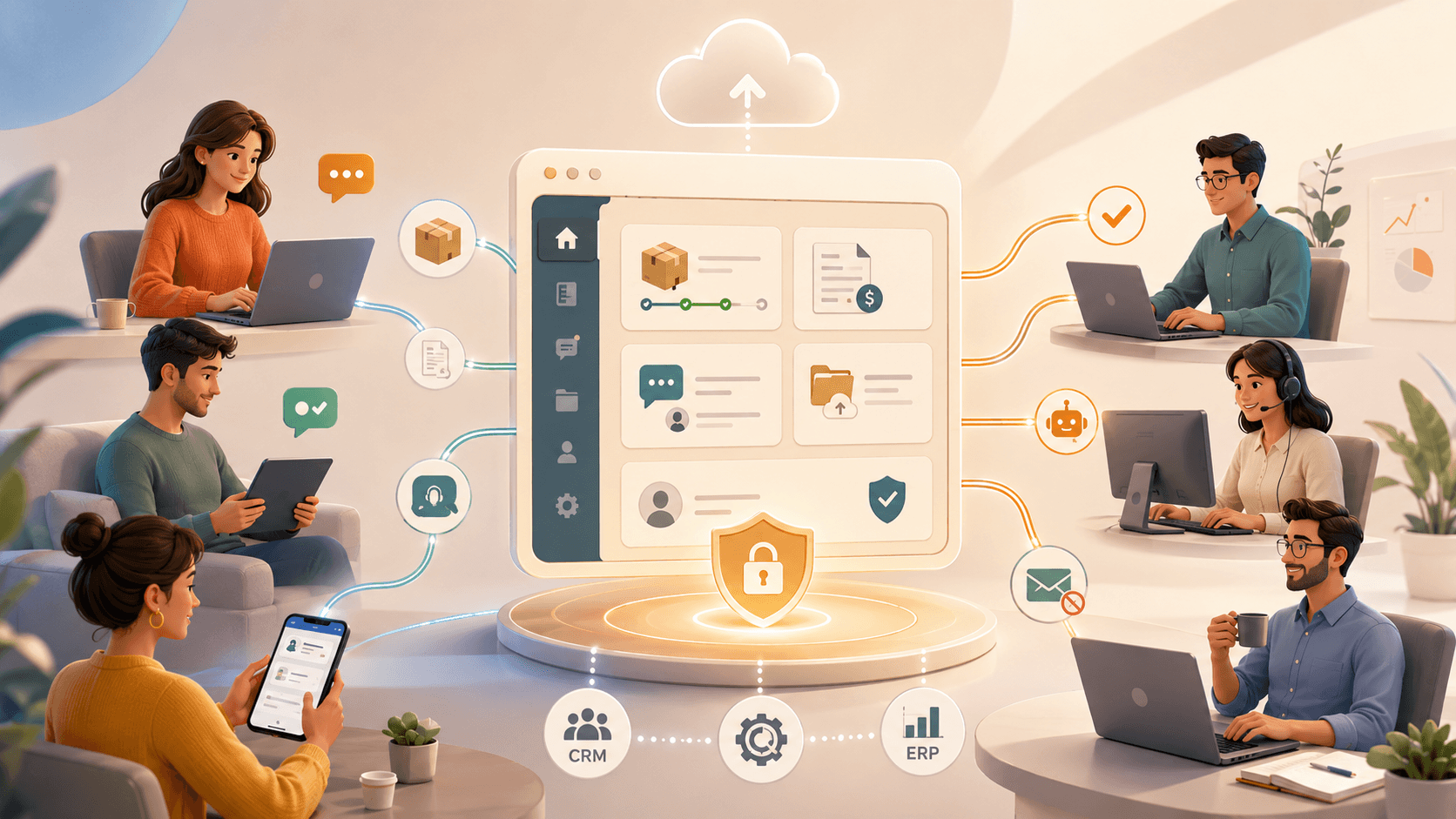
Your employees spend time answering the same questions. Quotes and updates are handled manually. Communication gets scattered across inboxes, spreadsheets, chats, and calls. Customers wait longer than they should for information that already exists inside the business. A customer portal improves customer experience, communication, and efficiency by giving customers a direct and accessible way to interact with the company and track what matters without constant support involvement.
From an executive perspective, that matters because repeated manual work is rarely just a service issue. It is a scaling issue.
The first objection: “My business does not require a customer portal”
This is often where resistance starts.
Many companies assume a customer portal is only relevant for large enterprises or digital-native businesses. But any business that serves customers through recurring communication, service requests, order updates, or shared information has a reason to centralize that interaction. It goes as far as to say that in a world where so many services have already moved to digital self-service, not having an online hub for collaboration with customers is increasingly hard to justify.
That does not mean every company needs the same portal. It means most companies already have the same underlying problem: customers depend too much on staff to get routine information.
For CEOs, CTOs, and COOs, the question is not whether the portal sounds modern. The question is whether the business can keep growing while basic communication still depends on manual follow-up.
The second objection: “Creating a customer portal takes too long”
This concern is reasonable because many digital projects do take too long.
Customer portal development traditionally begins with time-consuming analysis, requirements gathering, design work, and integration with ERP and CRM systems. That is often the stage where momentum is lost. Leaders do not reject the idea of a customer portal itself. They reject the time, risk, and distraction of building one from scratch.
The timeline changes when the portal is approached through modular, reusable components rather than a fully custom project. Instead of starting from zero every time, companies can begin from proven functionality and reduce the amount of analysis and design needed. That’s the logic behind most modular portal platforms on the market, and the reason speed is worth treating as a business value, not just a technical one.
For leadership teams, this changes the conversation. The choice is no longer between doing nothing and launching a long transformation project. The choice is whether there is a faster route to improved processes that does not require rebuilding the same logic again.
The third objection: “A customer portal will be too expensive”
Cost is another reason companies postpone the decision.
Licensing a reusable portal platform typically costs a fraction of building an equivalent solution independently. Ongoing enhancement plans, common across this category of product, provide access to security updates and new features so the portal stays current over time.
This matters because leadership teams often look at portal cost in isolation instead of comparing it with the cost of delay.
Manual work is not free. Repeated phone calls are not free. Re-entering customer information is not free. Chasing invoice questions and support updates across channels is not free. A customer portal should be assessed against the accumulated cost of continuing without one. That is where saved profits become easier to see: not only in reduced development spend, but in lower coordination effort and fewer avoidable mistakes.
The fourth objection: “It will require too much maintenance and support”
Another common concern is ownership.
Many companies worry that once they implement a customer portal, they will inherit another environment to host, maintain, secure, and support. Companies with an internal IT team can run the portal on their own servers, while companies that want to stay focused on core operations can use a private cloud option, with the portal environment handled externally.
This is an important executive point. The discussion should not be framed as “can we support another system?” It should be framed as “what operating model fits our business best?” For some, control matters most. For others, reduced distraction matters more. A good customer portal strategy allows for both.
The fifth objection: “Integration will be difficult”
This is often the moment when business interest gives way to IT caution.
For Microsoft Dynamics 365 Business Central specifically, connector tools available on Microsoft AppSource let users define synchronization direction, entities, fields, and filters with only a few clicks, reducing the need for custom development. For other systems, it points to API-based integration.
That is why a customer portal Business Central conversation should not start with generic fear about integrations. It should start with a more useful question: how much of the integration work is already solved?
For COOs and IT managers, that is the difference between another open-ended technical project and a Microsoft ERP portal approach that supports operational needs without expanding development scope unnecessarily.
Evaluating Any Customer Portal: What Actually Matters
Whichever platform a business considers, the same handful of criteria separate a good fit from an expensive mistake, and they’re worth checking before any vendor conversation goes further.
Data ownership is the one most companies skip. Confirm whether customer data lives in a database you control or one the vendor controls, and what the export process looks like if the relationship ends. This matters more for a customer portal than most software decisions, since it holds order history, invoices, and support records a business can’t easily recreate.
Integration depth deserves more scrutiny than a vendor’s feature list gives it. A connector that syncs customer names and order status is a different product from one that syncs entities, fields, and filters at the level real ERP and CRM workflows need. Custom Software vs SaaS: How Businesses Choose the Right Solution in 2026 is a useful framework for deciding how much of this to build versus license before evaluating specific vendors.
Total cost of ownership includes more than the license fee. Enhancement plans, security update cadence, and support response times all affect what a portal actually costs over three years, not just what it costs to launch. For companies unsure whether they have the internal capacity to manage that evaluation, working with a partner experienced in scaling enterprise infrastructure is often a faster path than researching every vendor independently.
None of this requires picking a side before comparing options. It requires asking the same specific questions of every vendor being considered, not just the one that reached out first.
What the Data Actually Says About Self-Service Portals
The claims above are worth checking against independent research, not vendor framing alone.
According to Help Scout’s customer support benchmarks, well-designed self-service portals deflect 40 to 60 percent of incoming customer queries before they ever reach a support agent. That range matters more than any single vendor’s promised percentage, since deflection depends heavily on how well the portal’s content and search actually match what customers are trying to do, not just whether the software itself is well-built.
The financial case holds up independently too. Companies investing broadly in customer service technology report averaging a $3.50 return per dollar invested, with payback typically landing within three to six months, a benchmark worth comparing against any specific vendor’s ROI claims rather than accepting them at face value.
None of this means every platform performs the same. It means the reasonable question to ask a vendor isn’t “will this help,” it’s “where does your deflection rate actually fall in that range, and what’s driving the difference.”
What this means now
The most hesitation around a customer portal is based on assumptions that deserve to be tested, not accepted. The portal may not solve every business problem, but it can bring the business much closer to a model where customers serve themselves more easily, employees make fewer mistakes, communication is more structured, and growth creates less operational strain.
That is why this is now a leadership issue, not just a digital project.
In this context, customer portal use cases for platforms like Microsoft Dynamics 365 Business Central are relevant not because any single vendor promises transformation, but because a well-chosen platform addresses the objections that keep businesses from improving in the first place.
What to do next
If your business is still hesitating over whether a customer portal is necessary, affordable, maintainable, or practical, the next step is not to keep debating the concept. It is to test the assumptions behind the hesitation against a real evaluation: request demos from two or three platforms that fit your ERP and team size, price out the true three-year cost for each, and compare that number against what manual coordination is already costing in staff time. A customer portal becomes much easier to justify once you compare it with the real cost of staying manual, whichever platform ends up being the right fit.
Frequently Asked Questions About Customer Portals
Licensed platforms typically run $5 to $30 per user per month, or $250 to $1,500 per month on flat-rate small business plans, depending on features and user count. A fully custom-built portal usually starts around $15,000 to $25,000 for a basic version and can reach $60,000 or more for enterprise-grade functionality, plus 15 to 25 percent of that build cost annually for maintenance. The licensed route wins on predictable cost for most mid-market companies; custom development only tends to pay off past roughly 200 users or for workflows no off-the-shelf platform can accommodate.
A modular, pre-built platform can launch in weeks rather than the months a fully custom build typically requires, since most of the core functionality doesn’t need to be built from scratch.
Most established platforms offer either pre-built connectors for common systems like Microsoft Dynamics 365 or Salesforce, or API-based integration for everything else. The depth of that integration varies significantly and is worth testing before committing.
A help center is typically a public knowledge base anyone can browse. A customer portal is authenticated and personalized, showing a specific customer their own orders, invoices, and service history rather than general documentation.
Independent research puts well-designed portal deflection rates at roughly 40 to 60 percent of routine queries, though the actual number depends heavily on how well the portal’s content matches what customers are actually trying to do.
This depends entirely on the vendor contract, and it’s worth confirming in writing before signing, not after. Ask specifically what the data export process looks like if the relationship ends.
For businesses with unusual workflows a modular platform can’t accommodate, yes. For most mid-market companies, the ongoing maintenance and security burden of a fully custom build outweighs the flexibility gained, which is why licensed, modular platforms have become the default starting point.