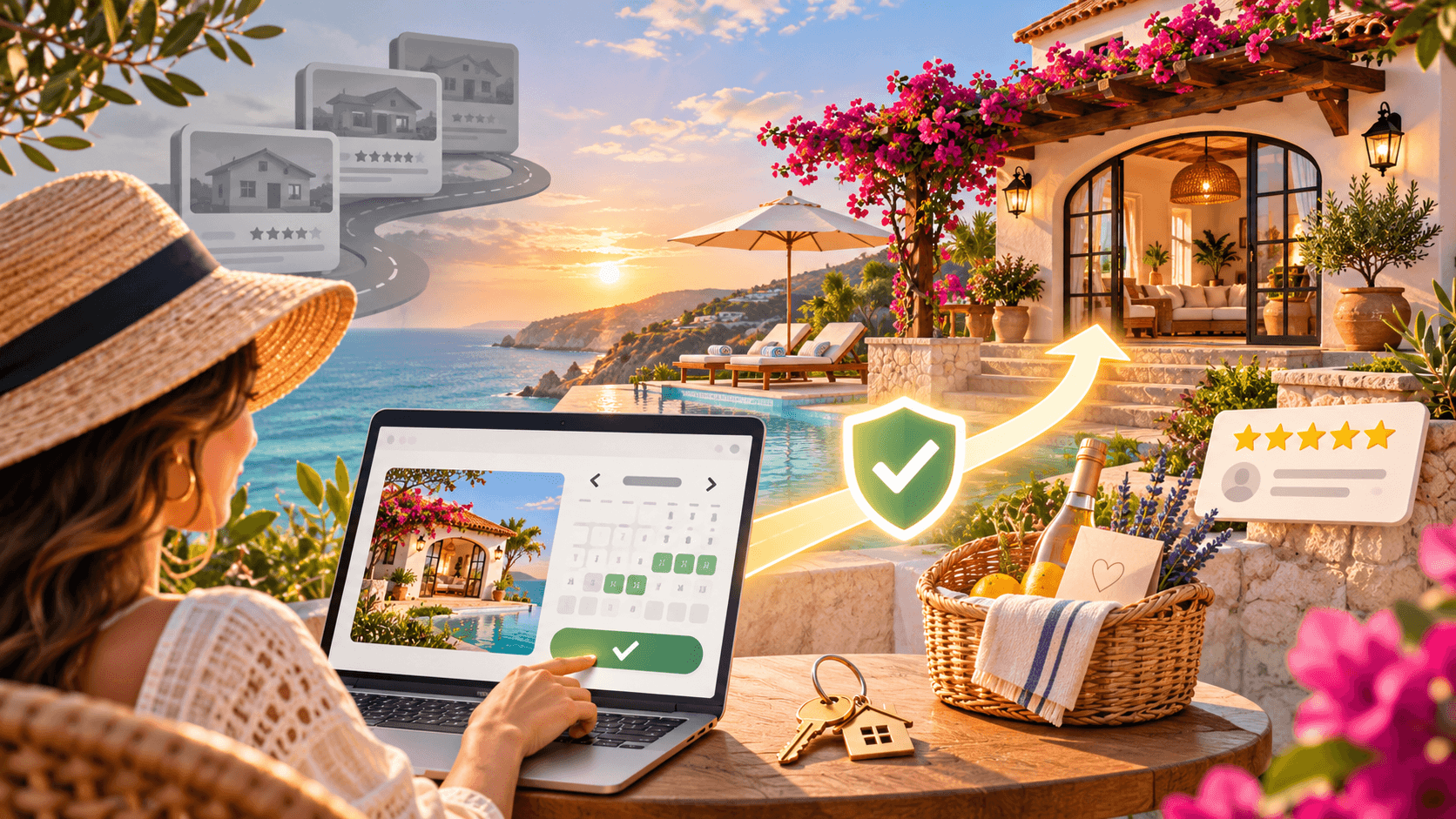
Your calendar might look healthy, but take a closer look at the payout line. Airbnb now deducts a single 15.5% host-only fee from most payouts, Vrbo switched to a 12% commission on October 29, 2026, and Booking.com still averages around 15%. Every stay you take through an online travel agency (OTA) starts with a cut that leaves before the money reaches you, and the rules about how you price, message and market keep changing.
A direct booking website gives you a channel you control: your own site, your own booking engine, and guests who pay you directly. You don’t have to quit Airbnb, Vrbo or Booking.com to get there. The goal is to stop depending on them for every reservation.
This guide covers what OTAs charge hosts right now, what a vacation rental direct booking website actually changes, the trade-offs most vendors leave out, and a step-by-step way to launch one with a vacation rental website builder.
Quick answer: your vacation rental needs a direct booking website because it cuts the cost of each booking from the 12% to 15.5% charged on standard OTA plans to roughly 3% in card processing, lets you set your own pricing and policies, and builds a guest list and search visibility that you own. It works best alongside OTAs, not instead of them.
Table of Contents
- What Is a Direct Booking Website?
- Airbnb, Vrbo and Booking.com Fees Compared
- What You Gain With a Direct Booking Website
- The Trade-Offs Most Direct Booking Guides Leave Out
- Does a Direct Booking Website Pay for Itself?
- Why a Vacation Rental Website Builder Is the Best Fit for Most Hosts
- Direct Booking Options Compared
- What Your Direct Booking Website Must Include
- How to Launch Your Direct Booking Website With a Builder
- How to Drive Direct Bookings Without Burning Money
- A Quick Direct Booking Readiness Checklist
- What Hosts Ask Before Going Direct: Fees, OTA Rules and Setup
- The Bottom Line on Direct Bookings
- About This Guide
What Is a Direct Booking Website?
A direct booking website is a site you own where guests can check availability, see the full price and pay for a stay without going through an OTA. It combines a property website (photos, details, location, policies) with a booking engine that handles dates, rates, payments and confirmations. It also syncs with your Airbnb, Vrbo and Booking.com calendars, so a night sold on one channel closes on all the others.
Think of OTAs as rented space in a busy mall and your short-term rental website as the shop you own on your own street. The mall brings foot traffic. Your own shop is where repeat guests come back, where you set the rules, and where nobody else sets the rent.
Airbnb, Vrbo and Booking.com Fees Compared
Commission is the cost most hosts feel first, and it has moved a lot recently. Here is what the three biggest platforms take on their standard models, next to a booking you take on your own site.
| Channel | What the host pays | Separate guest fee? | You keep from a $1,000 booking |
|---|---|---|---|
| Airbnb (host-only fee) | 15.5% of the booking subtotal for most hosts (16% in Brazil and Mexico). Hosts still on the older split fee pay about 3%, but Airbnb is retiring that model. | No, on the host-only fee | $845 |
| Vrbo (pay-per-booking) | 12% of the rent plus cleaning and other host fees since October 29, 2026, with payment processing included when Vrbo takes the payment (up to 15% in some regions). Most pay-per-booking hosts paid about 8% before. | Yes, a traveler service fee | $880 |
| Booking.com | Around 15% on average, from about 10% to 25% by market and property type | Generally no | About $850 |
| Your direct booking website | Card processing, usually around 3%, plus your software subscription | No | About $970 before software costs |
You can check these rates at the source. Airbnb lists its current fees on its service fees help page, and Vrbo explains how its commission is calculated in its pay-per-booking fee guide. Booking.com shows your exact commission in your partner extranet, because the rate varies by property.
The gap looks small as a percentage and large as money. On a property that earns $40,000 a year through Airbnb, the host-only fee comes to $6,200. Move a quarter of that revenue to direct bookings and you keep about $1,250 more a year from those stays, before software costs. Direct bookings are commission-free, but they are not cost-free, so it helps to understand how online payment processing works before you pick a provider, especially the fees on international cards and how chargebacks are handled.
The Costs That Never Show Up on the Payout Statement
OTA commission is only the visible part. Relying on OTAs alone also costs you in ways that are harder to measure:
- Less control over your rules. The platform decides how your cancellation policy is displayed, how fees appear and which listings get visibility.
- Price-first comparison. Guests see your place next to five similar listings and often sort by price, which pushes every host toward discounting.
- A guest relationship you don’t own. Communication stays inside the platform, and Airbnb’s rules restrict using guest contact details for marketing.
- Platform risk. A suspended account, a review dispute or an algorithm change can empty a calendar overnight, with no appeal beyond the platform’s own support team.
What You Gain With a Direct Booking Website
Keeping more of each booking is the obvious benefit. The bigger one is freedom: you decide how to price, package and present your stay.
Higher Profit Per Stay Without Racing to the Bottom
On your own site, you don’t have to be the cheapest listing on the screen. You can compete on value instead: a late checkout for returning guests, a stocked welcome basket, a weekly rate for remote workers, or a ski-season package with gear storage. Because the cost gap between Airbnb’s host-only fee and card processing is about 12 percentage points, a perk that costs you $30 on a $1,000 stay still leaves you well ahead of the same booking on Airbnb.
Before you advertise a lower direct rate, read your OTA agreements for rate parity terms. Perks are usually a safer lever than headline discounts, and they make guests feel looked after rather than bargain-hunted.
Trust That Feels Like a Real Brand
If a guest finds you on an OTA and then searches your property name, your website is the first place that can confirm you’re a real, professional host. Make that check easy to pass:
- Photos in a logical order: exterior, living space, bedrooms, bathrooms, outdoor areas
- A clear layout and sleeping arrangement, bed by bed
- The total price, with every mandatory fee, before the payment step
- Local context that shows you know the area
- A secure checkout with a payment provider guests recognize
Reviews matter as much on your site as on an OTA. Place them near the booking button and learn how to display guest reviews so people actually read them instead of burying them on a page nobody opens. Collect them from guests who booked direct, because Airbnb doesn’t allow hosts to ask its guests to review an Airbnb stay on another website.
A Guest Relationship You Can Grow
When guests book on your site, the relationship is yours. With their consent, you can:
- Send a pre-arrival guide that answers parking, Wi-Fi and check-in questions before anyone asks
- Follow up after checkout with a thank-you note and a review request
- Invite them back with a returning-guest perk framed as hospitality, not a sales pitch
- Let them know when their favorite week opens for next season
Keep these tactics for guests who booked direct. Airbnb’s Off-Platform and Fee Transparency Policy, fully enforced since May 2025, bars hosts from soliciting Airbnb guests’ contact details for marketing, offering discounts to book outside Airbnb, and sharing off-platform links in listings or messages.
Long-Term Visibility Through Search
An OTA listing stops working for you the day you leave the platform. A website keeps building. Over time, it can rank for your property name plus location, for neighborhood searches, and for niche searches like “pet-friendly cabin near the lake” or “beach house with a pool for families.” That visibility compounds instead of resetting every season, which is why vacation rental SEO is worth starting early, even with a small site.
The Trade-Offs Most Direct Booking Guides Leave Out
A direct booking website is a business asset, and like any asset, it comes with work. Go in knowing what changes when a guest books with you instead of a platform:
- Platform protections don’t follow you. Airbnb’s AirCover and similar OTA programs only cover bookings made on those platforms. For direct stays, you need your own security deposit or damage waiver, a rental agreement, guest ID checks and short-term rental insurance that covers direct bookings.
- Payments and disputes are yours. You choose the processor, issue refunds and answer chargebacks.
- Taxes may become your job. In many places, Airbnb collects and remits occupancy taxes for you. On direct bookings, you usually collect and file them yourself, so check your local rules before launch.
- Demand doesn’t come built in. A new site has no traffic on day one. Most early direct bookings come from returning guests, referrals and people searching your property name, while search traffic grows over months.
- Someone has to maintain it. Rates, photos, policies and calendar sync need regular checks, whoever built the site.
None of these are reasons to skip a direct booking site. They are reasons to set it up properly from the start.
Does a Direct Booking Website Pay for Itself?
Run the numbers on your own property before you spend anything. Here is a simple way to do it, using example figures you can swap for your own:
- Take your average booking value. In this example, $1,000.
- Work out what you keep on your main OTA. With Airbnb’s 15.5% host-only fee, that’s $845.
- Work out what you keep direct. With around 3% in card processing, that’s about $970, so each direct booking is worth roughly $125 more.
- Add up the yearly cost of your builder, domain and email tools. At $80 a month, that’s $960.
- Divide the yearly cost by the extra profit per booking. In this example, about eight direct bookings a year cover the whole setup, and everything after that is extra margin.
Prefer to use your own numbers? Change any field in the calculator below. It works in any currency.
Direct booking savings calculator
Estimates only. Taxes, refunds, chargebacks and marketing costs are not included.
For most hosts with steady demand and a few returning guests, that bar is low. If eight direct bookings a year sounds out of reach, for example because almost every guest is a first-timer from an OTA search, start with a simple, low-cost setup and grow into it.
Why a Vacation Rental Website Builder Is the Best Fit for Most Hosts
You have three realistic paths: stay OTA-only, hire a developer for a custom build, or use a vacation rental website builder. For most hosts and small property managers, a builder wins. It gives you a professional site and a working booking engine quickly, and the upkeep stays manageable without a developer on call.
A good builder usually includes:
- A booking engine with availability, minimum stays and seasonal pricing
- Payments, deposits and automatic payment schedules
- Calendar sync with your OTAs, ideally two-way through a channel manager rather than iCal alone
- Mobile-first templates designed for hospitality
- SEO basics such as editable page titles, meta descriptions and clean URLs
- Automated guest messages for confirmation, pre-arrival and checkout
To see what an all-in-one setup looks like, Lodgify’s website builder is one example of a tool that lets you create your own vacation rental website with the booking engine, payments and channel manager already connected. Guesty, Smoobu and other property management platforms offer their own builders, so compare them on the questions below rather than on templates alone.
Questions to Ask Before You Choose a Builder
- How does it sync with Airbnb, Vrbo and Booking.com? A direct API connection updates in near real time. iCal-only sync can lag, which raises the risk of double bookings.
- Is it integrated with Google’s vacation rental listings? Google pulls vacation rental data from eligible, approved partners, so your builder’s integration status affects whether your property can appear there.
- Which payment processors does it support, and when do you get paid? Check fees, payout timing and supported currencies.
- Can it hold and refund security deposits automatically? Manual deposits are where direct bookings get messy.
- Can you export your guest list and booking history? If you switch tools later, your data should come with you.
- What is the full yearly cost? Include booking fees, payment add-ons and the price of adding more properties.
Direct Booking Options Compared
Here’s how the main routes compare for a typical host:
| Option | Best For | Pros | Cons |
|---|---|---|---|
| OTA only | Brand-new hosts testing demand | Instant traffic, minimal setup | Commission on every stay, limited control, no repeat-guest system, platform risk |
| Vacation rental website builder | Most hosts and property managers | Fastest path to a real booking experience, low technical burden, built-in channel sync | Less customization than custom code, monthly subscription |
| WordPress plus booking plugins | Hands-on owners comfortable with setup | Flexible, full ownership, large choice of themes and tools | Plugin overload, updates, conflicts and sync testing are on you |
| Fully custom website | Larger portfolios or unique workflows | Total control, custom logic and integrations | Higher cost, longer timeline, ongoing developer dependency |
If you already run WordPress and enjoy being hands-on, a booking plugin can work well for a single property. This walkthrough shows how to add a booking and reservation calendar to WordPress for free. For the design side, a hospitality theme such as Visualmodo’s Hotel WordPress theme gives you ready-made layouts, image galleries and Google Maps integration, so you can focus on the booking setup. Budget time for updates, plugin conflicts and calendar sync testing, because that’s where most do-it-yourself setups break. For hosts who want to launch quickly and keep maintenance low, a builder remains the most reliable route.
What Your Direct Booking Website Must Include
Your site has one job: answer questions, remove hesitation and make booking feel safe. These are the pieces that do it.
The Core Pages That Convert
- Home: a headline with the property name and location, your best photos and an obvious availability button
- Property: sleeping arrangements, amenities, accessibility details and a floor plan if you have one
- Rates and availability: a live calendar that shows the total price, including mandatory fees
- Booking: as few steps as possible, with no surprises at the payment stage
- Location: what’s nearby, how to get there, and honest notes on parking and noise
- Policies: cancellation terms, house rules, deposits and a privacy policy that explains how you handle guest data
- Contact: a fast way to reach a real person, with your usual response time
The Trust Elements Guests Look For
- Quality photos that tell the story of a stay
- Clear sleeping and amenity details
- Real reviews from past guests
- Transparent fees, including cleaning and pet fees
- Straightforward house rules
- Security signals: HTTPS, a recognizable payment provider and an instant confirmation email
- A human “About” section with a real name and photo
Fee transparency is also a legal point in the United States. Since May 12, 2025, the FTC’s rule on junk fees has required businesses offering short-term lodging, including vacation rentals, to show the total price with all mandatory fees, such as a required cleaning fee, whenever they display a price. Taxes can be disclosed separately. Showing the all-in price up front is good practice everywhere, because surprise fees at checkout are one of the fastest ways to lose a booking.
The Conversion Features That Move the Needle
- A booking button that stays visible as guests scroll
- A sticky availability widget on mobile
- A short FAQ next to the booking form
- Helpful, optional upsells such as early check-in, late checkout or a welcome basket
- Automated confirmation and pre-arrival messages
- Fast-loading galleries and calendars, with compressed images and lazy loading
How to Launch Your Direct Booking Website With a Builder
A clean, working system beats a complicated launch. Get these five steps right, then improve the rest as bookings come in.
Step 1: Set Your Booking Rules First
Decide how you operate before you design anything: minimum stays by season, check-in and check-out times, deposit and refund policy, cleaning and pet fees, a damage policy and the rental agreement guests accept at checkout. Your website should reflect how you actually run the property, not the other way around.
Step 2: Choose a Design That Matches Guest Intent
Guests scan in a predictable order: photos first, availability second, details third, then policies and contact. Pick a template that follows that order. Avoid layouts that push the booking button below a long introduction or hide rate details behind extra clicks.
Step 3: Write Copy Like a Helpful Host
Skip the superlatives. Specific, honest copy converts better and prevents complaints. Cover:
- Who the place is ideal for
- What a typical day there feels like
- What’s included and what isn’t
- Three or four nearby highlights
- Friction points such as stairs, street noise or tight parking, and how you handle them
Honesty up front reduces surprises, refund requests and bad reviews.
Step 4: Build a Simple SEO Foundation
Start with four pages that match how guests actually search:
- Property name plus location, as your main page
- Neighborhood and nearby attractions
- One niche page: family stays, pet-friendly stays, remote work or events
- A short local guide with your genuine recommendations
Give each page a unique title and meta description that names the place and the type of stay, and keep the content useful rather than padded. Link these pages to each other and to your availability page, so guests and search engines can always follow a path to booking. Google does support VacationRental structured data, but that rich result is limited to eligible sites with Hotel Center access, which most independent hosts reach through a software partner. That’s one more reason to ask your builder about its Google integration.
Step 5: Turn On Tracking So You Can Improve
Connect Google Analytics and Google Search Console from day one, and track:
- Clicks on your availability button
- Abandoned bookings and where guests drop off: fees, guest details or payment
- Which pages lead to inquiries
- Which traffic sources bring guests who actually book
How to Drive Direct Bookings Without Burning Money
If you’re wondering how to get direct bookings without an ad budget, start with the channels you already own:
- Add your website to your social profiles and email signature
- Use one consistent property name across your site, social accounts and printed materials, so brand searches find you
- Invite past direct guests back with a perk, not a discount
- Partner with local businesses, wedding venues and event planners who need places to send guests
- Use retargeting ads only once you have steady traffic worth retargeting
- Make your website more trustworthy than your OTA listing, so guests who search your name choose to book direct
If you run a property management company with a staffed office, a Google Business Profile for that office can send local searchers straight to your site, and this playbook on turning Google Maps visibility into local leads covers the setup. Individual vacation homes are a different case: Google’s Business Profile eligibility guidelines list vacation homes as ineligible, and only a staffed sales or leasing office can be verified.
Stay Inside OTA Rules While You Grow Direct
The fastest way to lose bookings is to get an OTA account suspended while chasing direct ones. Under Airbnb’s Off-Platform and Fee Transparency Policy, hosts can’t add links that send people off Airbnb in listings or messages, offer discounts for booking outside Airbnb, or cancel reservations to rebook them directly. Other OTAs restrict steering their guests elsewhere too, so read each platform’s terms. Build your direct audience in your own channels, and let people who search your name find a site that makes it easy to book direct.
A Quick Direct Booking Readiness Checklist
Before you send traffic to your new site, make sure every item below is true:
- Your homepage headline names the property and the location
- Photos load fast and tell the story of a stay
- The total price, including mandatory fees, appears before checkout
- Booking on mobile takes a few taps, not a hunt
- Guests can reach you quickly, and your response time is stated
- The confirmation email arrives instantly with check-in details
- You have at least three pages that can rank for local searches
- Your booking rules, deposits and rental agreement match how you actually operate
- Calendar sync with every OTA has been tested with a real booking
What Hosts Ask Before Going Direct: Fees, OTA Rules and Setup
It is a website you own where guests can check availability, see the full price and pay for their stay without going through Airbnb, Vrbo or Booking.com. It usually combines property pages with a booking engine and syncs with your OTA calendars to prevent double bookings.
On their standard models, most Airbnb hosts pay a 15.5% host-only fee, or 16% in Brazil and Mexico. Vrbo moved to a 12% pay-per-booking commission on October 29, 2026, with payment processing included when Vrbo takes the payment and up to 15% in some regions. Booking.com commission averages around 15% and ranges from about 10% to 25% depending on market and property type.
Usually, yes, if you get a few returning guests or referrals each year. On a 1,000 dollar booking, a direct stay keeps roughly 125 dollars more than the same stay on Airbnb, so about eight direct bookings a year can cover a software setup that costs 80 dollars a month. If almost all your guests are first-timers from OTA searches, start with a low-cost setup.
No. Airbnb’s Off-Platform and Fee Transparency Policy prohibits offering discounts to book outside Airbnb, sharing off-platform links in listings or messages, and soliciting guest contact details for marketing. Grow your direct audience from guests who already book direct, from people searching your property name and from your own channels.
Not at first. The direct booking vs Airbnb choice is not either-or, because OTAs are still the best source of new guests for most properties. Most hosts keep their OTA listings and shift a growing share of repeat and referral stays to their own site.
For most hosts and small property managers, a vacation rental website builder is the fastest and most reliable route because it bundles the booking engine, payments, calendar sync and templates. WordPress with booking plugins suits hands-on owners, and a custom build makes sense mainly for large portfolios with unique workflows.
OTA protections such as Airbnb AirCover do not apply to direct stays, so set up your own: a security deposit or damage waiver, a rental agreement guests accept at checkout, guest ID verification and short-term rental insurance that covers direct bookings.
Searches for your property name can surface your site soon after Google indexes it, but broader local searches usually take months of useful pages and steady signals. Start with pages for your property and location, your neighborhood and one niche, then add a local guide.
The Bottom Line on Direct Bookings
A direct booking website won’t replace Airbnb, Vrbo or Booking.com, and it doesn’t need to. Its job is to make sure your business doesn’t depend on them for every reservation. It lowers the cost of every stay you book yourself, lets you set the rules, and builds a guest list and search presence that stay with you whatever the platforms change next.
For most owners, a vacation rental website builder is the practical starting point. Launch with the essentials, protect yourself on direct stays, keep your OTA listings within the rules, and grow the site with the SEO basics that compound over time.
About This Guide
The fee figures in this article come from Airbnb’s and Vrbo’s own help pages, the FTC’s published rule and Google’s Business Profile guidelines, all checked in November 2026. Platform fees change often, so confirm your current rate in each platform’s dashboard before you change your prices.
Editorial note: Visualmodo has no commercial relationship with Lodgify, Guesty, Smoobu, Airbnb, Vrbo or Booking.com, and no platform paid to be mentioned here. Lodgify appears as one example of an all-in-one builder, so judge any tool against the questions in this guide before you choose. Visualmodo does sell WordPress themes, including the Hotel theme mentioned above.